10
DuraLabel.com 800.788.5572
GettinG started
Windows XP: Place the included Catalyst CD into your CD drive and wait a moment
for the splash screen to appear. If the splash screen does not appear, double-click
My Computer and double-click the CD drive or DVD drive. An Open file - security
warning message may appear. Click Run to continue. Proceed to page 5.
Windows 7: Place the included Catalyst CD into your CD drive and wait a moment
for the splash screen to appear. If the splash screen does not appear, click the Start
menu and choose Computer. Double-click the CD drive or DVD drive. Proceed to next
page.
Windows 8: Place the included Catalyst CD into your CD drive and wait a moment
for the splash screen to appear. If the splash screen does not appear, from the Start
screen choose Windows Explorer. In the Libraries window select Computer, then
select the CD drive or DVD drive.
When the splash screen appears, select Install Driver at right. A User Account Control
window may pop up, verifying that you want to allow the program to make changes.
Select Yes to continue. Proceed to next page.
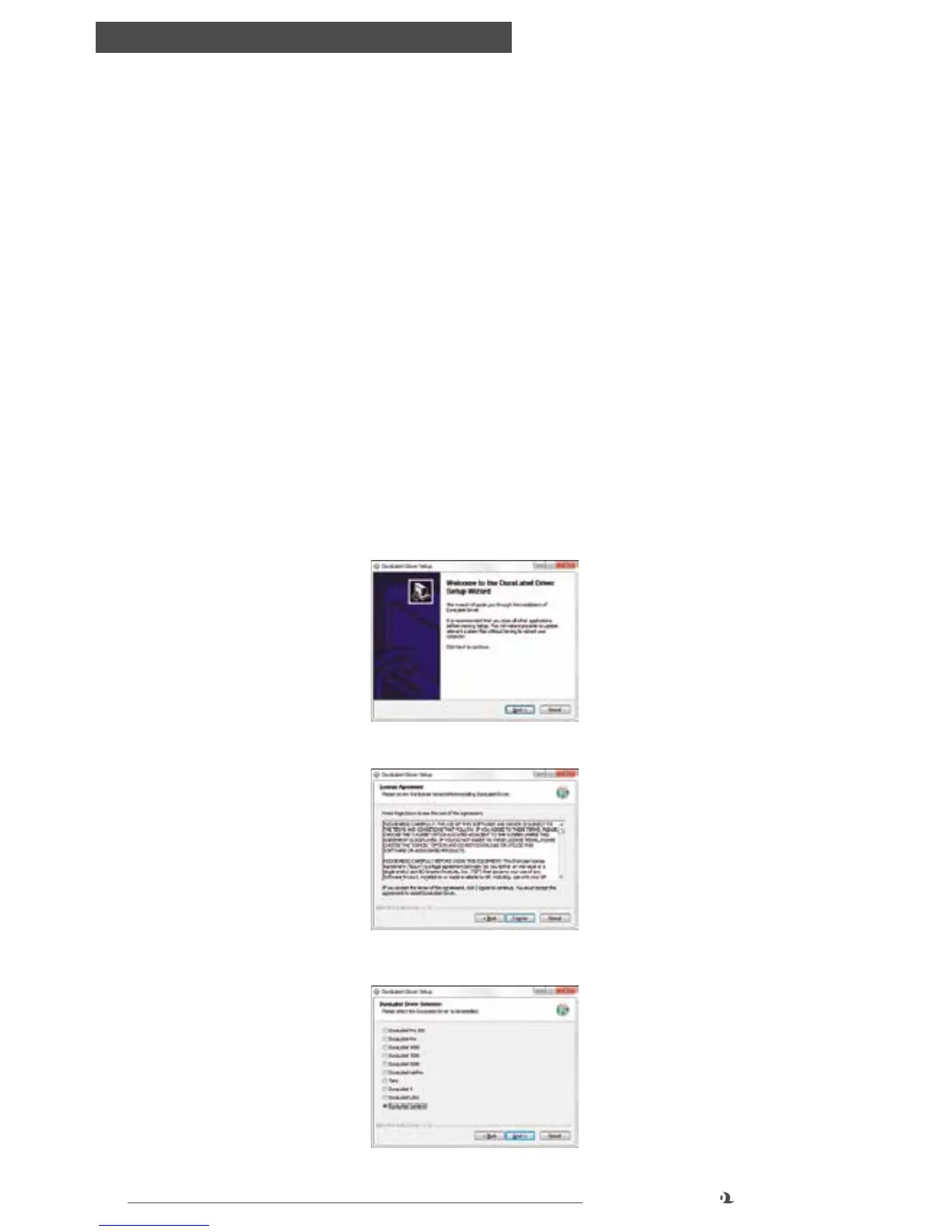
1. Click on Install Driver, then click Next in the Driver Wizard setup window that
appears.
2. Click I Agree on the DuraLabel Driver License Agreement window that appears.
3. Select DuraLabel Catalyst and click Next.



 To Next Page