11
800.788.5572 DuraLabel.com
GettinG started
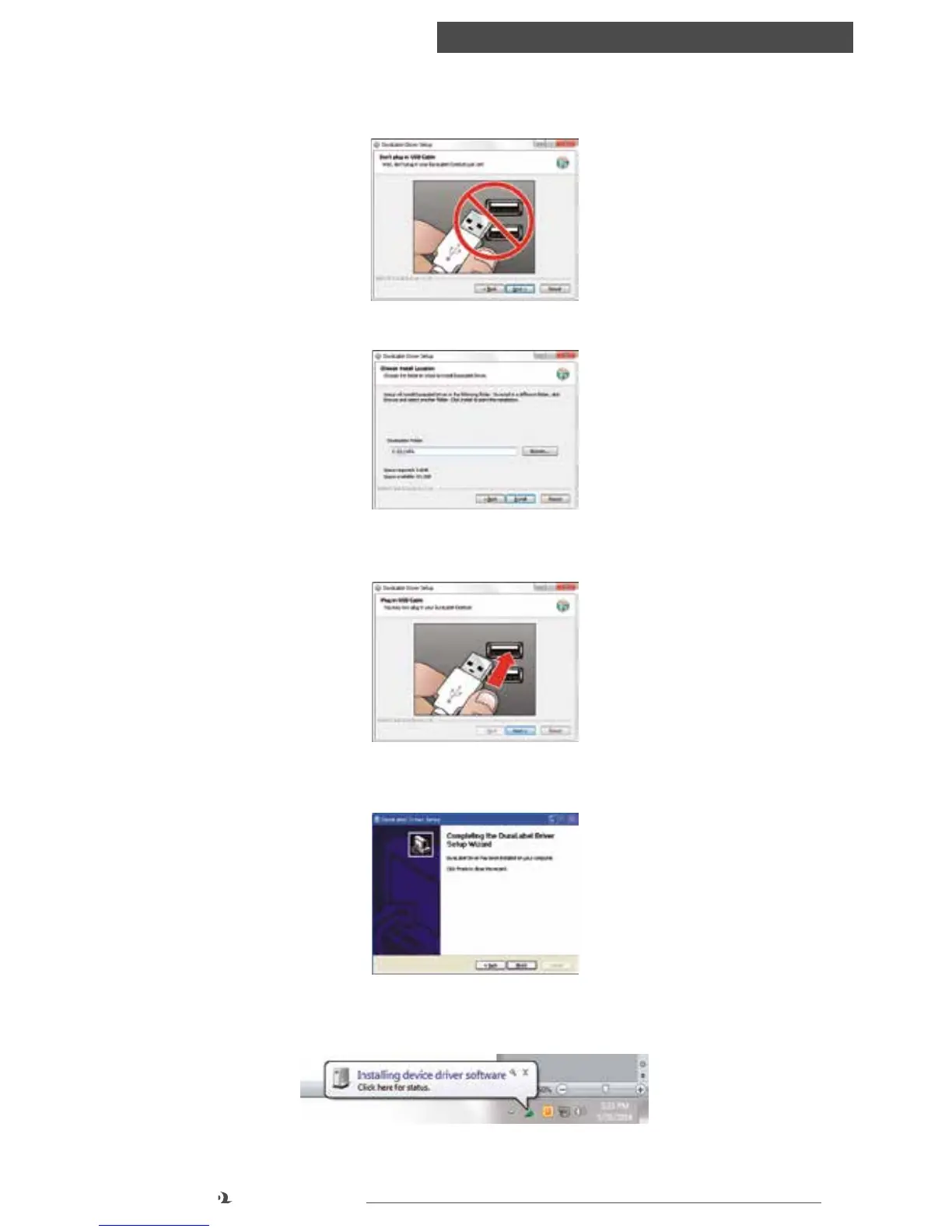
4. Do not plug Catalyst into your PC yet. Click Next.
5. Choose the install location and click Install.
6. At this time, press the power button on Catalyst and plug its USB cable into your
PC. Click Next.
7. Click Finish to close the Driver Setup wizard and proceed by letting Windows
automatically install the driver.
8. Your PC will now install Catalyst. An icon with a moving green circle may appear
at lower right. You may click for status or wait for it to complete.



 To Next Page