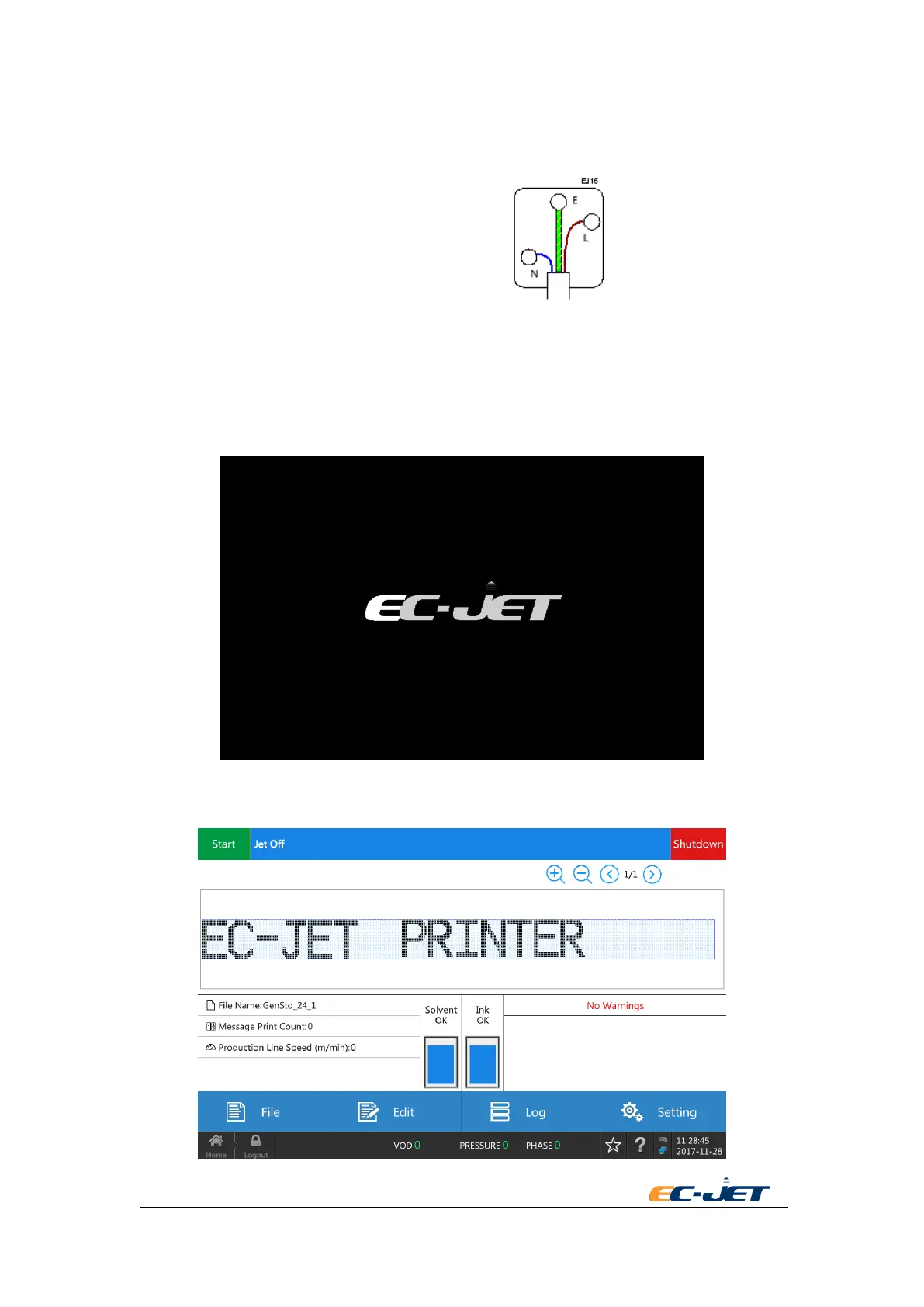
Before connecting to the power supply, make sure the ON/OFF switch is in the OFF position. The
wires in this electrical supply lead are colorized in accordance with the following code:
GREEN-YELLOW EARTH (E)
BLUE NEUTRAL (N)
BROWN LIVE (L)
3.4. Switch on the Printer
The printer power switch adopts the left and right automatic reset knob switch, which is on the
right hand side of the printer.
The following screen is displayed when power is switched on by rotating the power to the right:
After the buzzer ringing for one time, the printer enters to automatic checks. When these checks
are completed, the following display will be seen:



 To Next Page