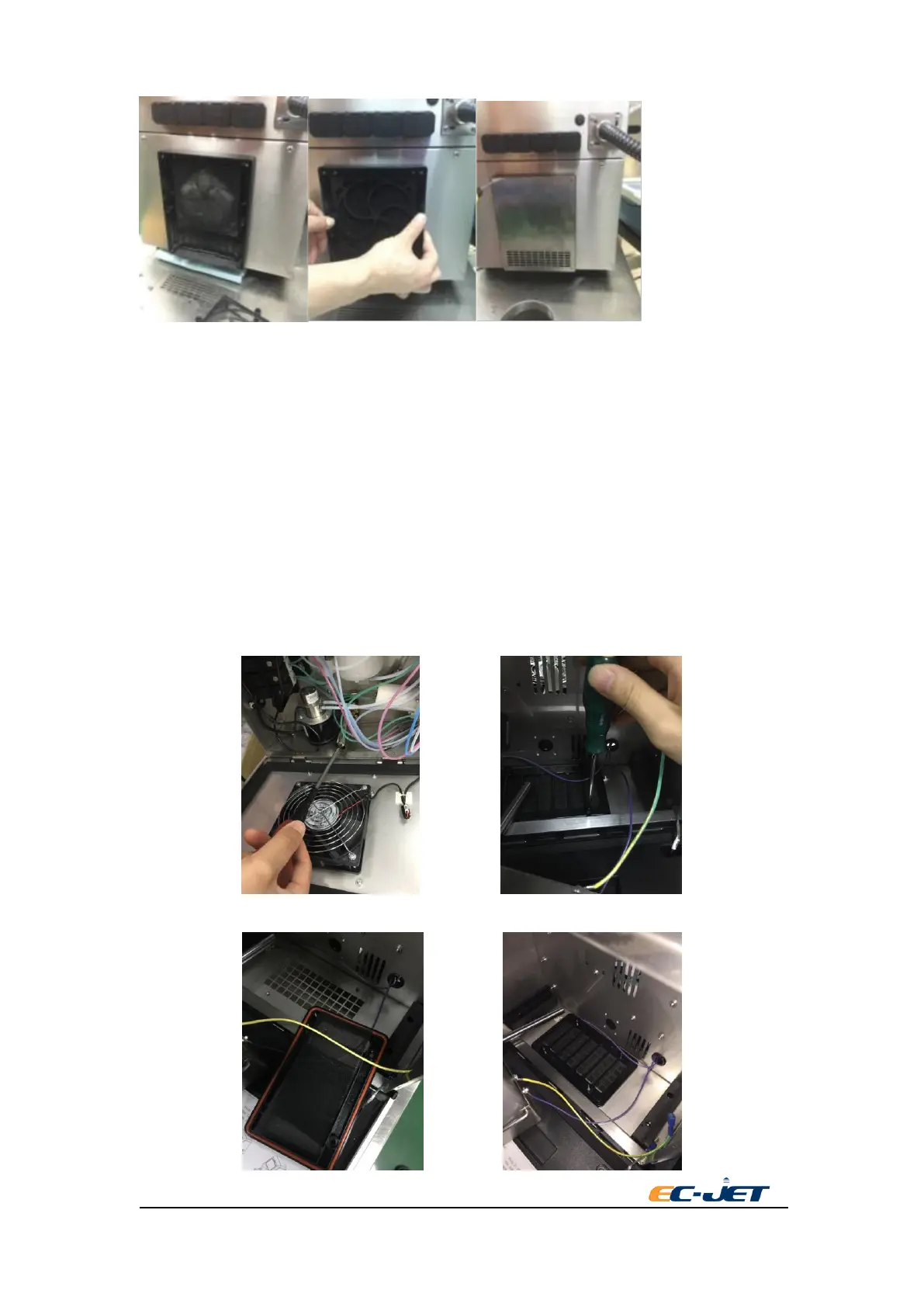
8.3.2. Cleaning/Replacing the Air Outlet Filter
8.3.2.1. Unscrew the thumb screw in the back of machine and open the ink system door.
8.3.2.2. Unscrew ink tank limit thumb screw of the guide rail(some machine only have one
guide rail).
8.3.2.3. Open the front door(ink system door),hold ink system by hand and gently take it out
from the printer.
8.3.2.4. Take out ink system tank assembly.
8.3.2.5. Unscrew the thumb screw in the outlet of the fans.
8.3.2.6. Replace the dust proof cotton and return to each part according to the reverse steps.



 To Next Page