1.4 Power Connection
Please refer to the chapter 3.1.2.
1.5 Attaching the Printhead to the Production Line
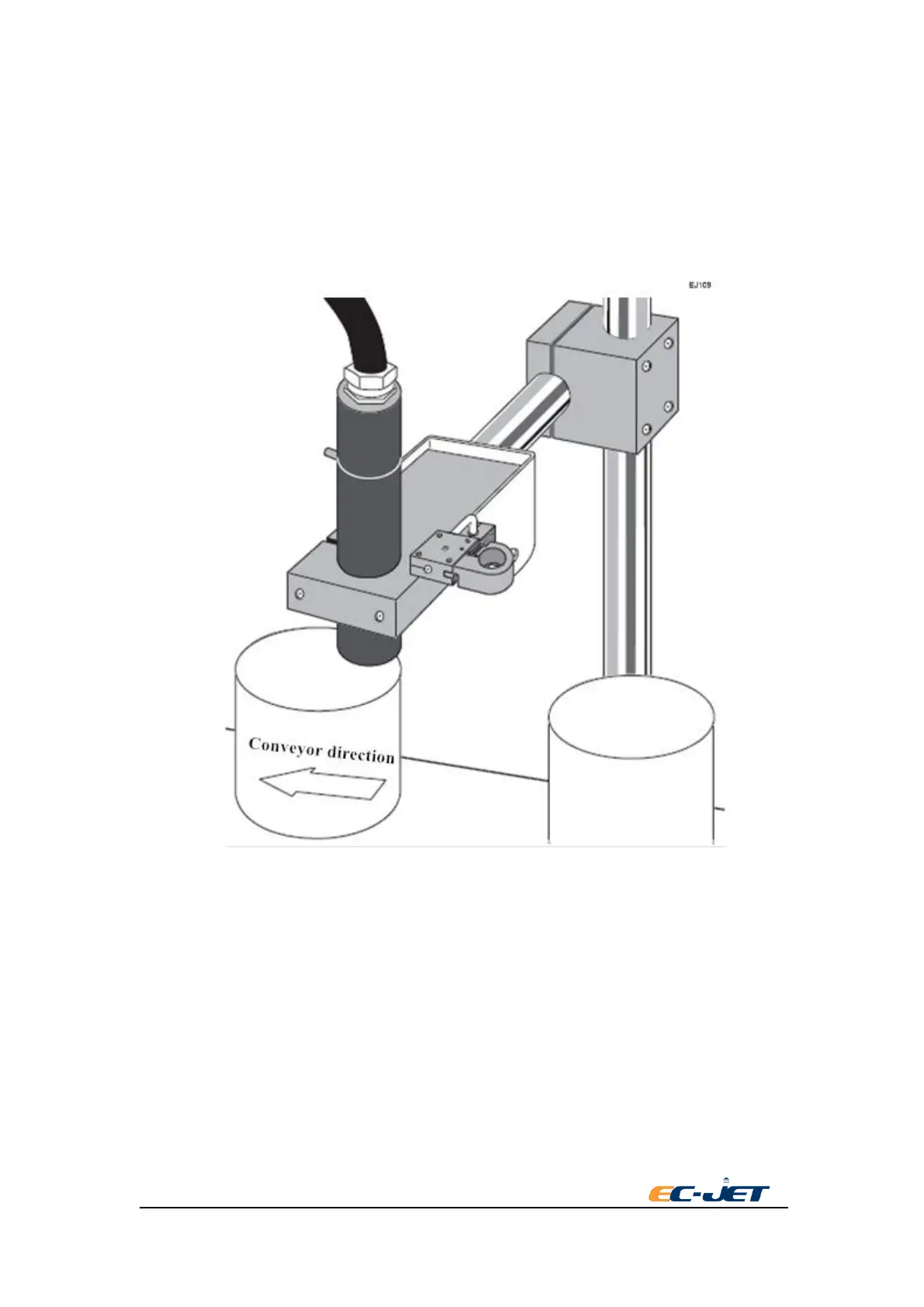
The print head can operate from any angle if clamped in place with a EC-JET head bracket to
ensure secure and vibration free operation.
1.5.1 Print Height
If the printhead is moved nearer to the surface to be printed, height of the printed character will
decrease - if moved further away, its height will increase.
However, adjustment of the print height should be controlled through the SETUP menu.
NOTE: Do not attempt to adjust the printer character height by changing the print head-to-product
distance. This may result in deterioration of print quality.
1.6 Setting up the Photocell
The photocell is used to detect the presence of a product to be printed on. There are variations in



 To Next Page