3.10 Charge Calibration Range
3.11 Safety Override Detected
3.12 Low Pressure
3.13 Modulation
3.14 Over Speed (variable data)
9.3. System Failures
System failures occur when the software detects a condition which prevents normal printer
operation.
These prevent normal printer operation. Contact with EC-JET distributor when necessary.
WARNING: LETHAL VOLTAGE. UNKNOWN HIGH VOLTAGES MAY
BE PRESENT WITH SOME SYSTEM FAILURES. DO NOT TAMPER
WITH THE PRINTER OR PRINTHEAD. WAIT UNTIL THE FAILURE
SHUTDOWN IS COMPLETE.
9.3.1. Print Failures
These occur when the software detects a problem which affects printing.
When a Print Failure occurs a message is displayed on the screen status line and a jet shutdown
sequence is started.
The internal alarm buzzer is switched on, the “print ready” line set low and the alarm relay is
activated(if enabled).
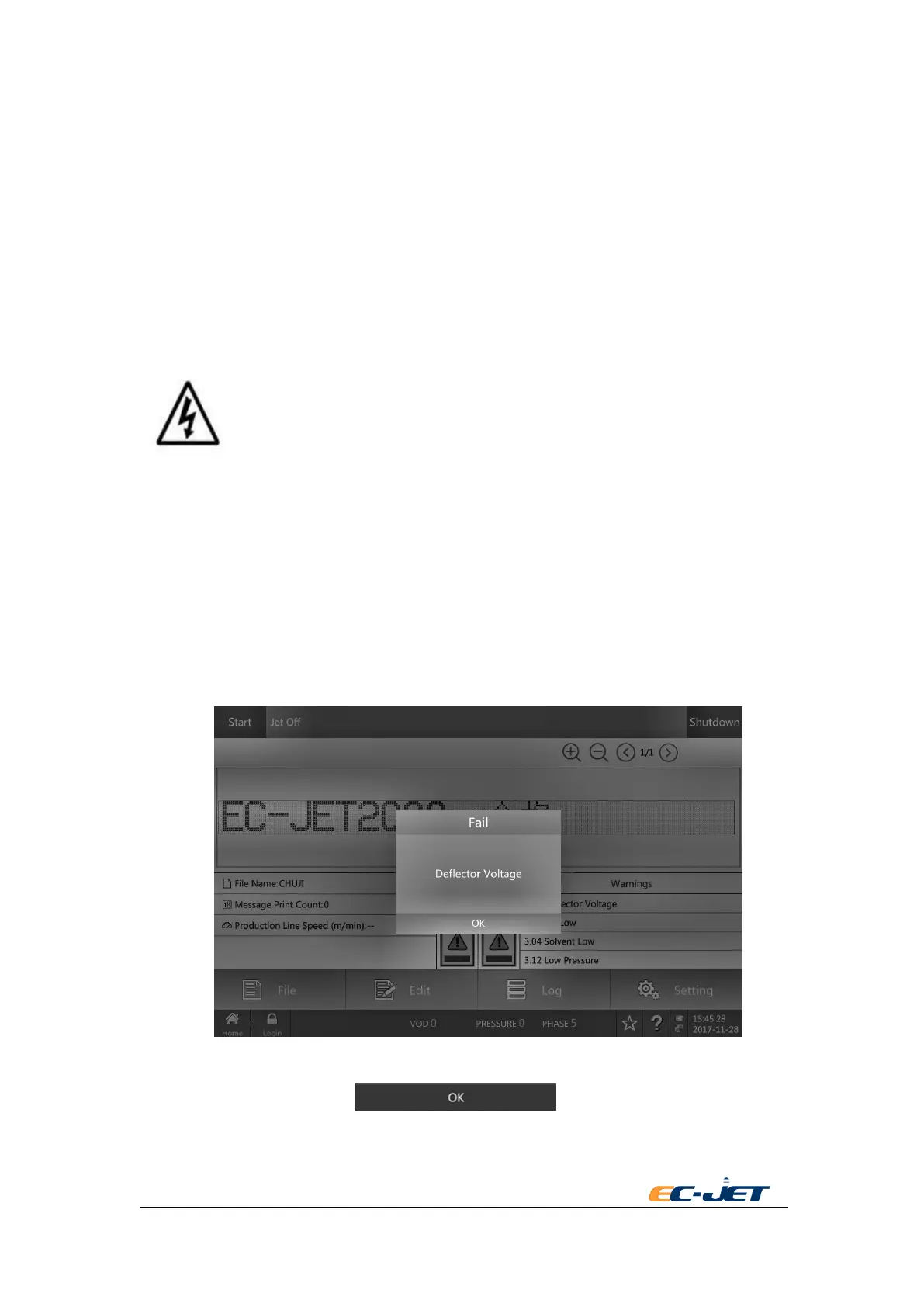
When the shutdown sequence is complete the Print Failure screen is displayed:
The user should normally select to reset the printer.
Following a print failure shutdown, the software sets:



 To Next Page