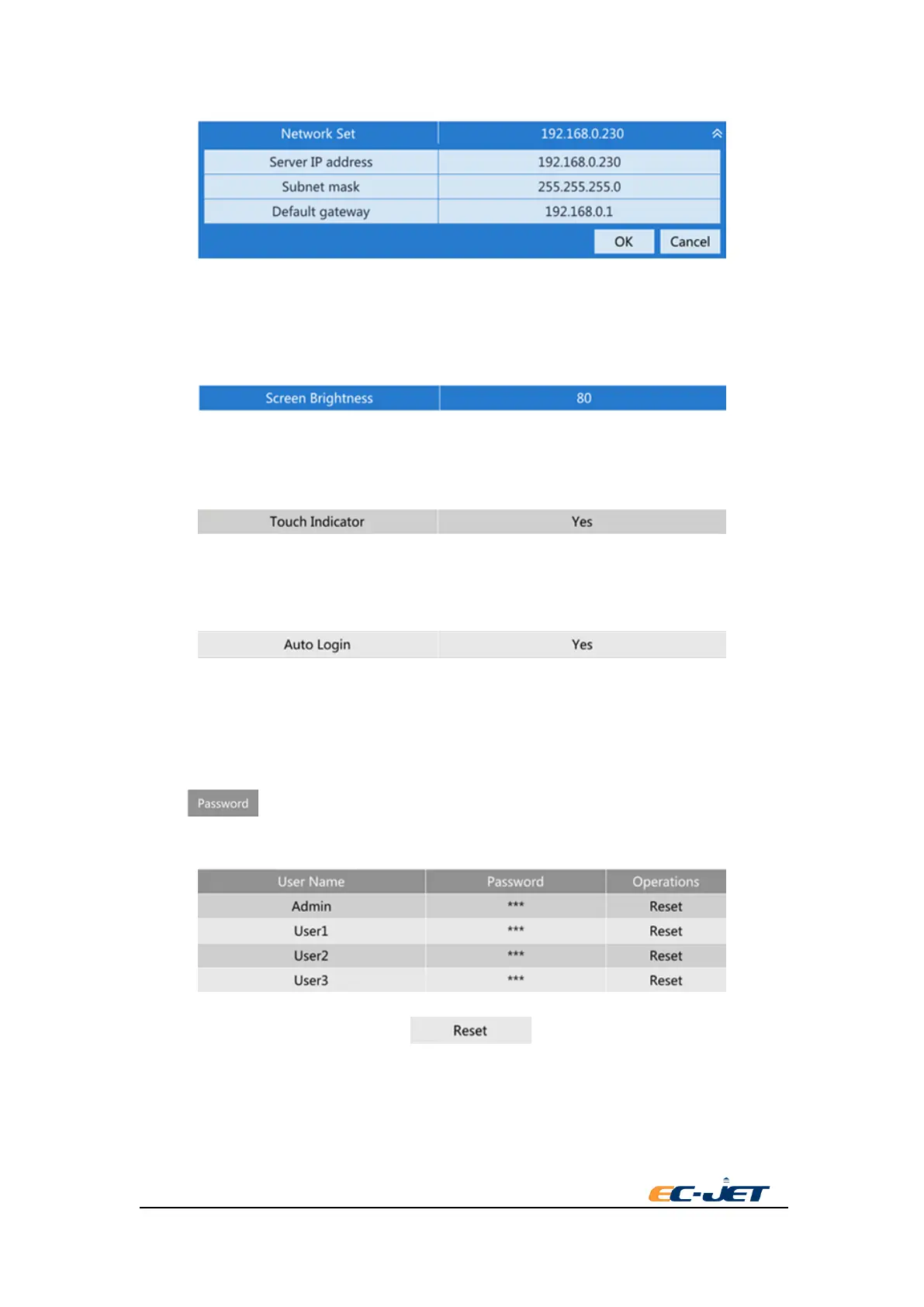
Internet Setup
The printer and the communication host need to set to the same LAN when use the Internet for
remote communication. It can use the Internet setting menu to revise configuration when the
Internet of printer and communication host isn’t in the same LAN.
Screen Brightness
Press the screen. The brightness will be changed according to the value changing among 20, 40,
80, 100.
Touch Indicator
The printer buzzer will ring once for successful revise when the setting is revised. Close this
prompt tone for setting to “No”.
Auto Login
Set to whether use by inputting the password when start each time. Automatic login when start
each time by setting to yes. Input the password when start each time by setting to no.
6.2. Password
Select key. There is four accounts of current system listed, Admin, User1, User2,
User3.
After pressing the corresponding user of key, a user password revising dialog
box will be pop-up.



 To Next Page