7.9. Clean Printer
The EC2000 has a machine cleaning program on the diagnostics page that allows engineers to
clean and dry the machine on site.
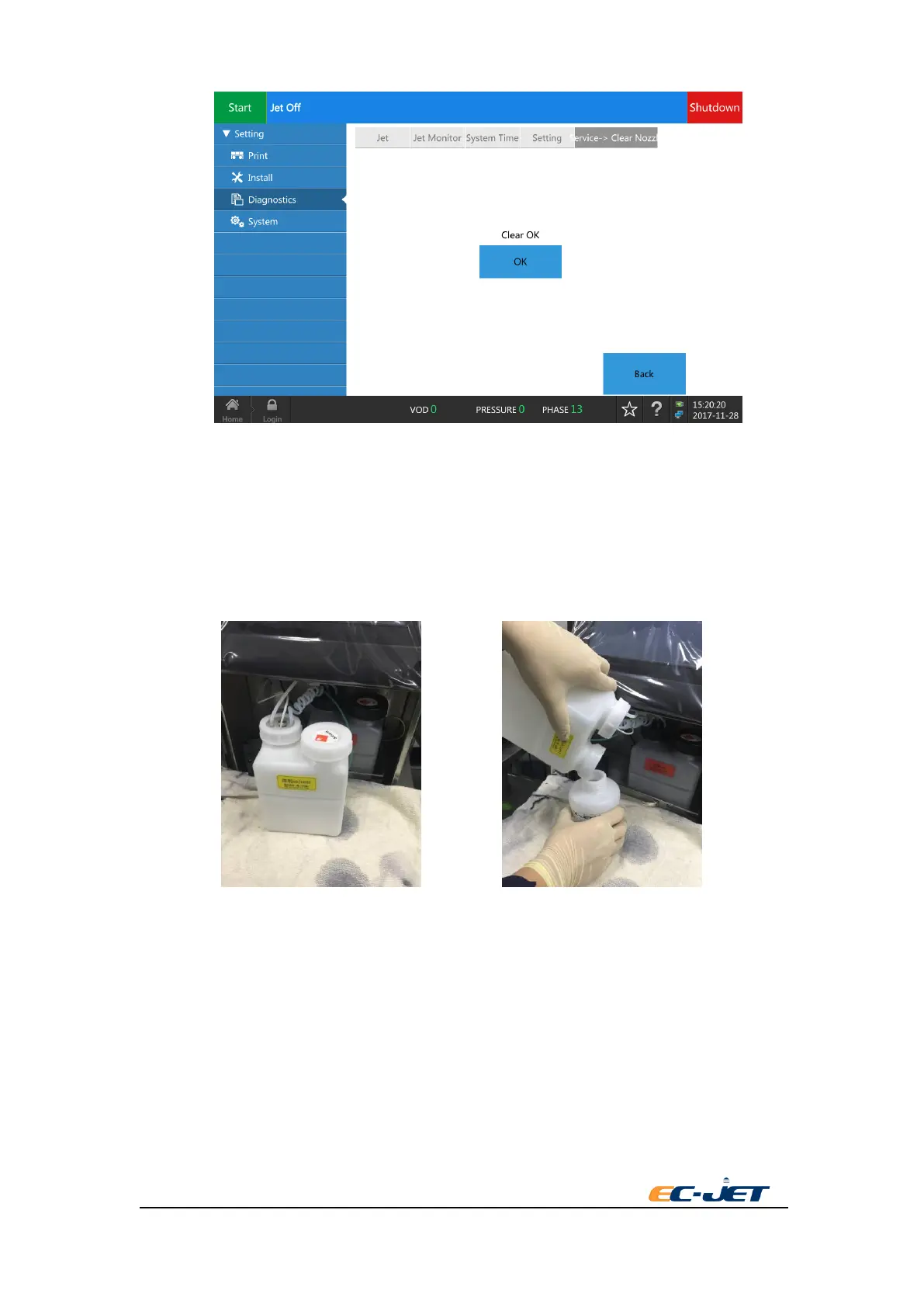
1 Open the lower door from the front side of printer. pull out the ink system and take out the
solvent tank. Pour out the solvent and store it safely.
2 Enter the interface of diagnosis. Press the button of clean printer. Select to empty the main filter
in the pop-up interface. Then operate it according to the screen.



 To Next Page