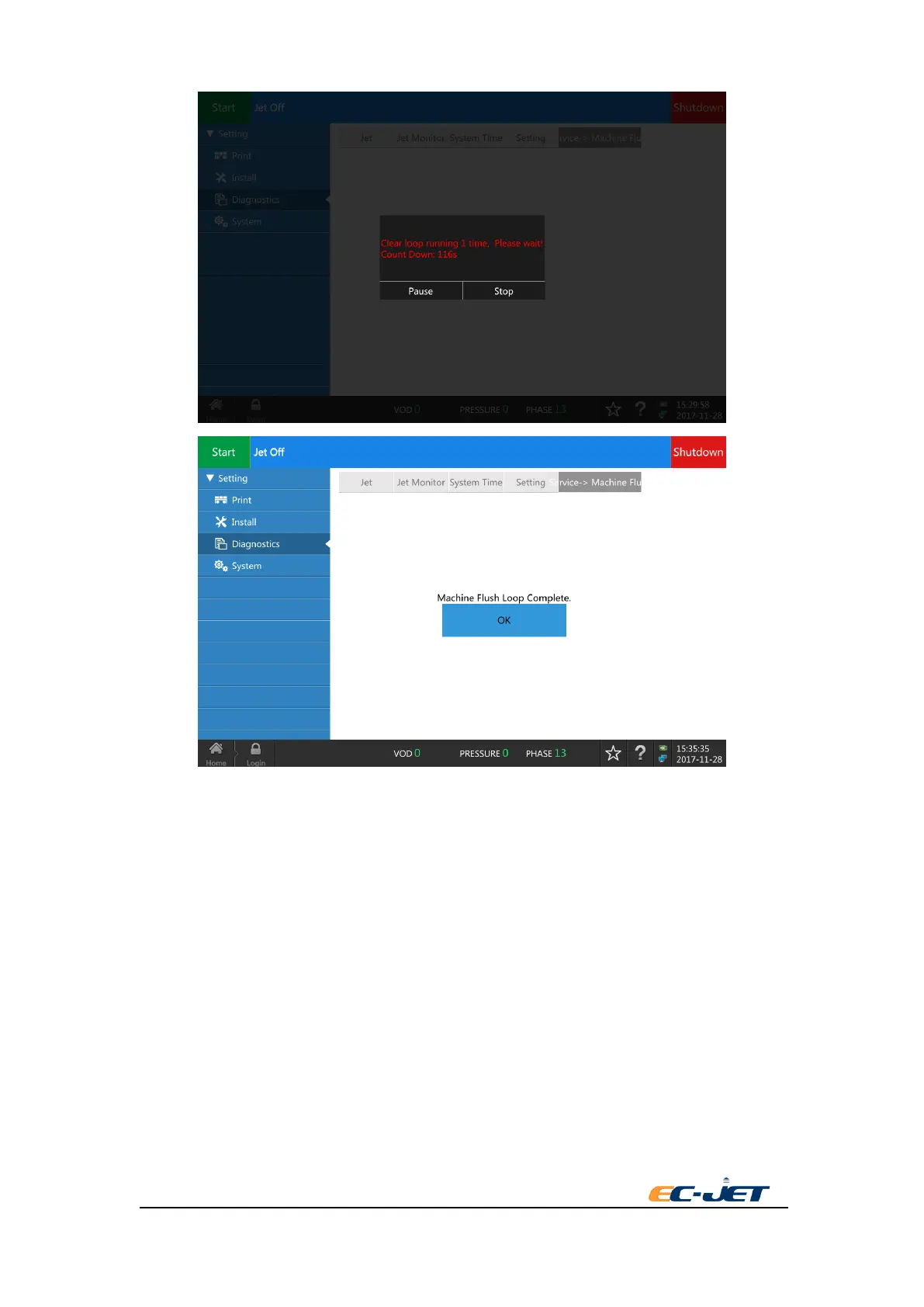
7 Press “OK” after cycle cleaning finishing showing in the screen. The screen will return to start
interface and the cycle cleaning time accumulates 1.
8 Repeat the steps 3 to 6 above. Clean the printer 2 to 4 times according to the need. Empty the
filter in the end and connect the triple valve of fluid-discharge based on step 4. Press “ back” to
exit cleaning procedure.
9 Clean and dry the ink tank which changing in step 1. Install in the cabinet and close the door.
7.10. Valve Test
Valve test is used to detect the working status of each valve and some ink system failures in the
printer. Only execute by EC-JET approved engineer.



 To Next Page