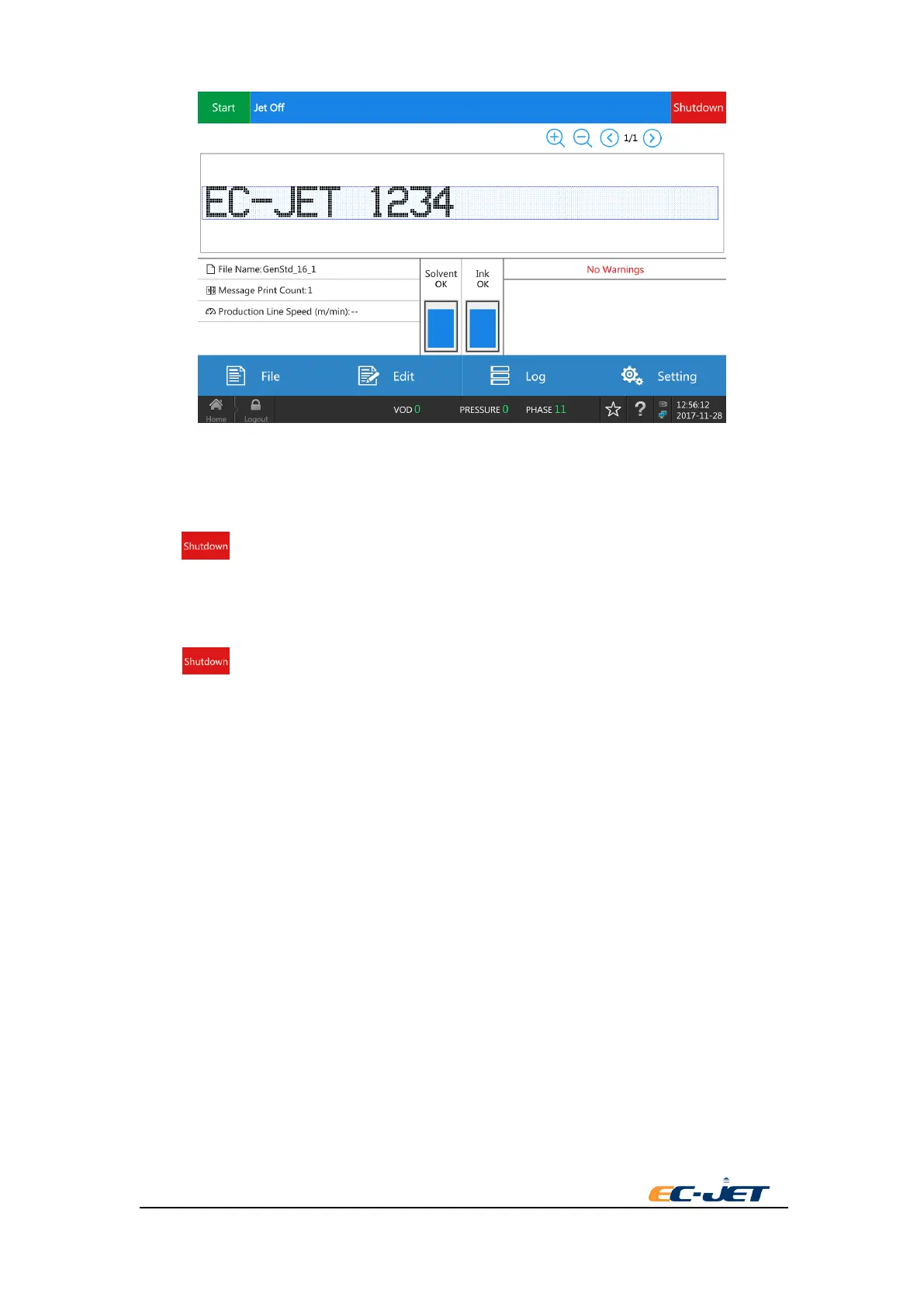
3.10. Switch off the Printer
3.10.1. Switch off the printer when jet running or printing:
Press key and it will have a pop-up box to set “automatic switch off the printer” to Yes.
Printer will power off automatically after finishing shutdown procedure and shutdown delay.
3.10.2. Switch off the printer when jet stop:
Press key and press OK in the pop-up box. The printer will switch off the printer
immediately.
3.10.3. Emergency power off
Rotate the power switch in the right side of the printer to left directly and the printer will power
off immediately.
NOTE: If not emergency,Don’t power off directly when the printer is printing or running jet . This
will lead to the printhead failture. If any problems, it needs to clean the system thoroughly for
once.
3.11. Check the Condition of Printer
The current condition can be seen in Home, including the jetting status, ink/solvent level and
current warning message of the printer.



 To Next Page