NOTE:Rotary switch will automatic reset after releasing, but the printer still keeps the condition
of power on.
3.5. Login
User must log in to operate the printer. There are four levels: User1, User2, User3, Admin.
Different user is allowed to operate different menu.
You can set automatic login when switch on the printer. Locate in Setup->System
Setup->automatic login when switch on the printer, then choose “Yes”.
Otherwise, you need to input the password to log in when switch on the printer.
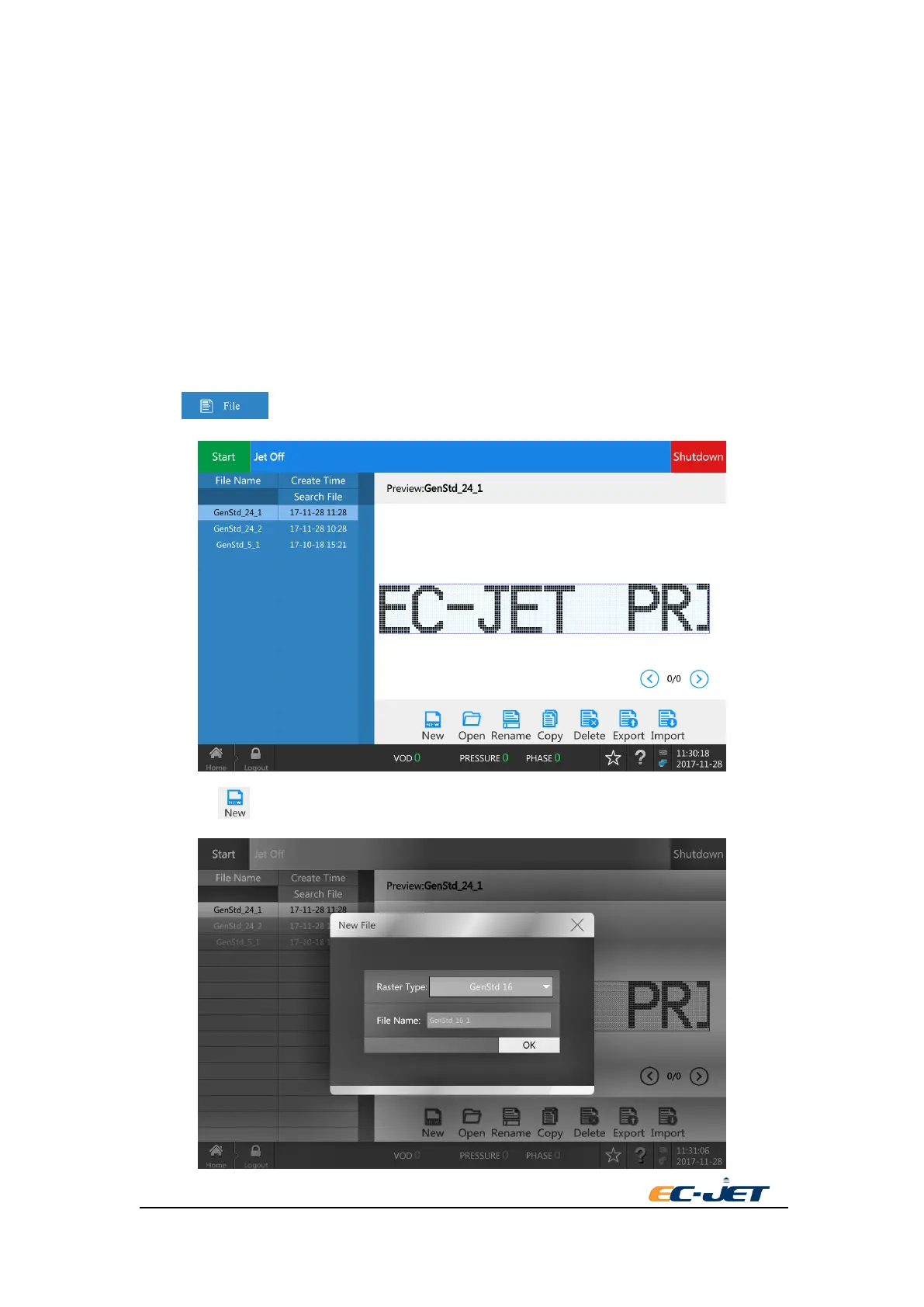
3.6. Creating a Simple Message
Press key in Home.
Then press key.



 To Next Page