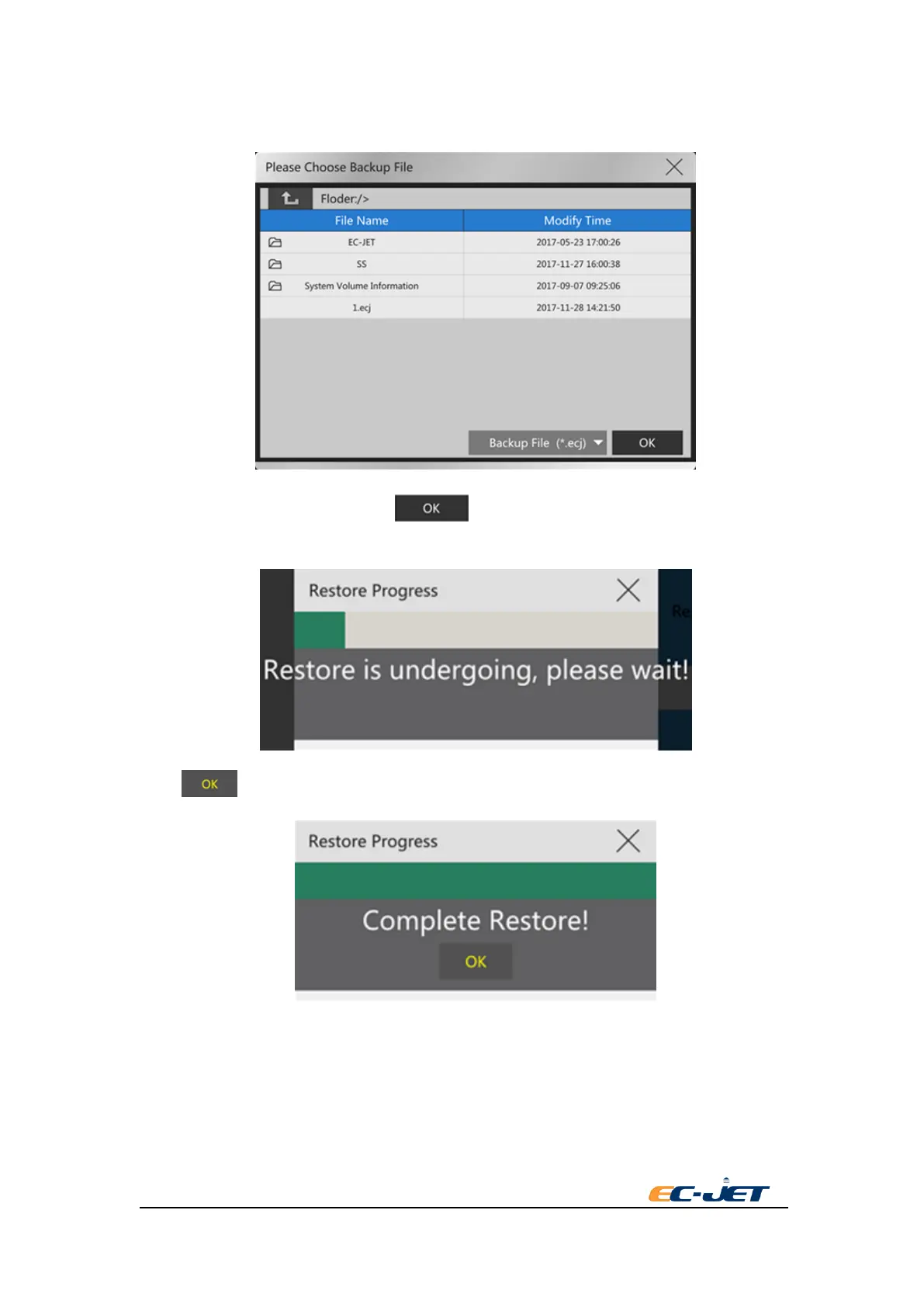
button. There is a file dialog box pop-up. The current backup file of USB flash disk will be shown
in the dialog box.
Select the file needed to restore. Press key. The progress dialog box of restore will be
shown in the screen:
Press key after finishing restore.
6.6Reset To Factory Defaults
Reset to factory defaults will delete all the files saving in the printer and reset to the factory setting.
Press “Reset to factory defaults” key:



 To Next Page