It is used to save the production line setting and file of current machine to USB flash disk.
Insert the USB flash disk to the USB flash disk port from the back side of printer. Then press
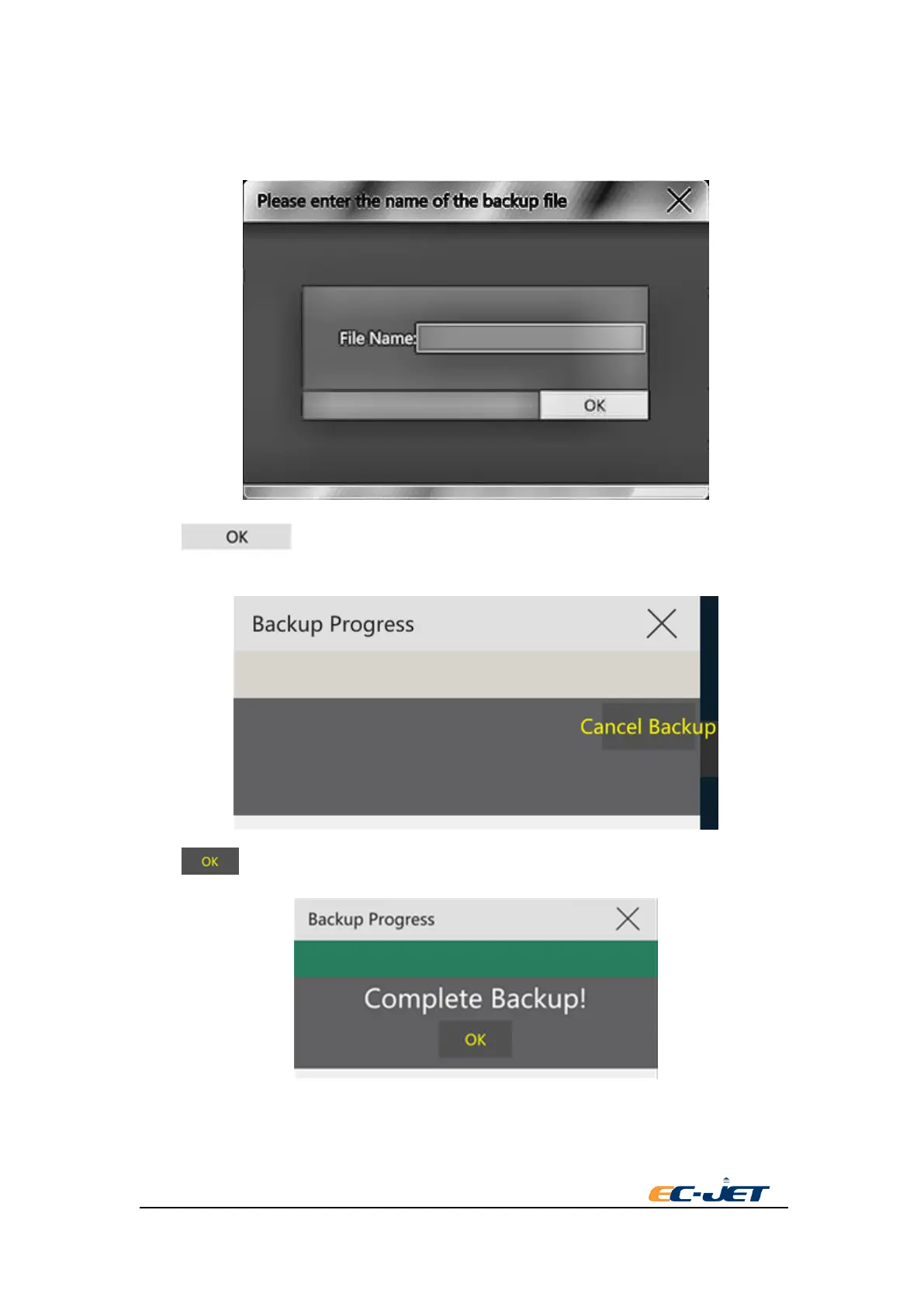
“backup” button. It will be pop-up a dialog box to input the saving name of backup file:
Press key after finishing inputting the file name. There is a progress dialog box
of backup showing in the screen:
Press key after finishing backup.
6.5Restore
Restore the production line setting and file having backup to USB flash disk before to the printer.
Insert the USB flash disk to the USB flash disk port from the back side of printer. Press “restore”



 To Next Page