5.3.8. Number of Buffer
Sets the number of data bars that the remote buffer can cache
5.3.9. Clear Buffer
It can choose to whether clear the remote buffer or not when the printing stops.
5.4. Consumable
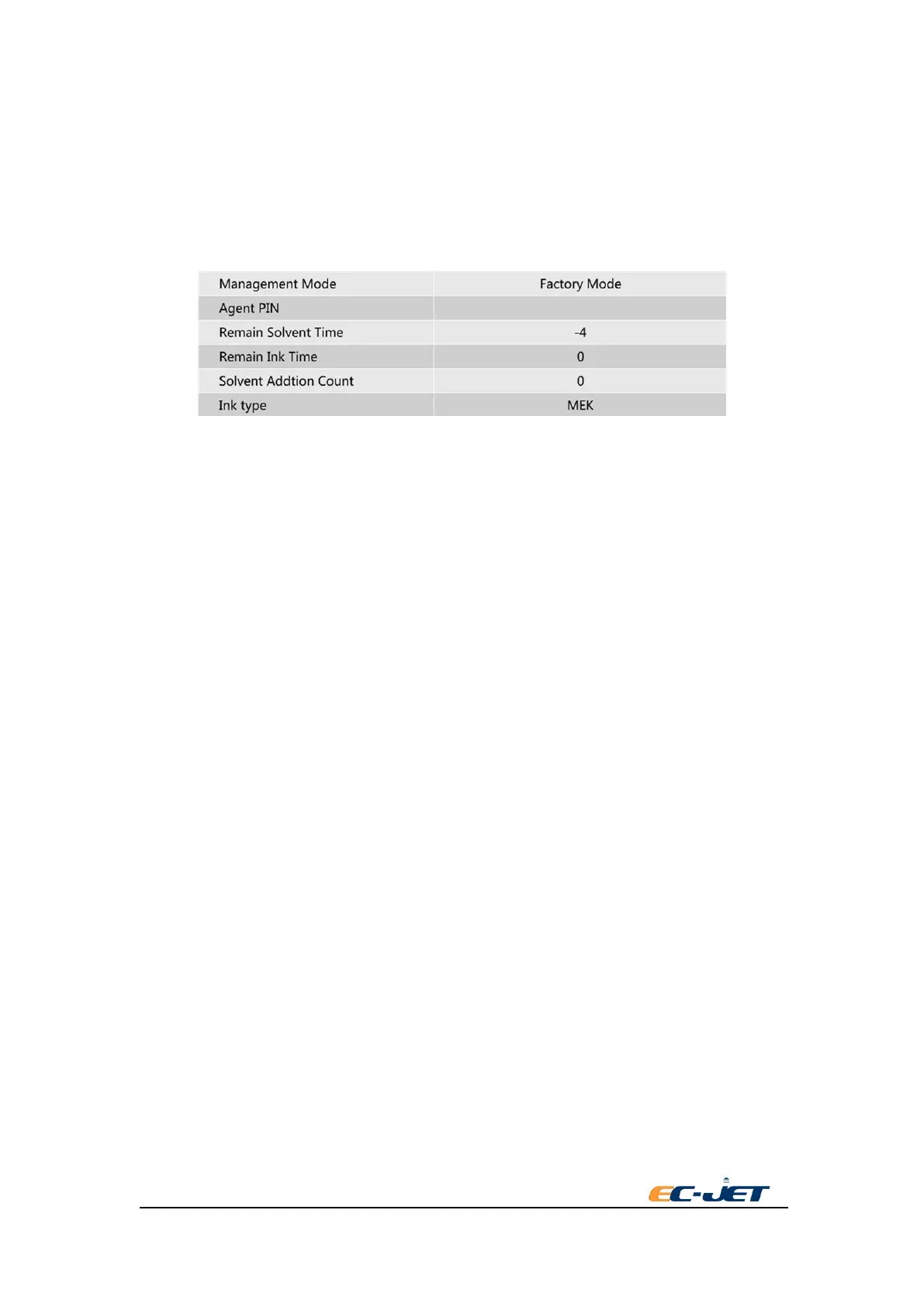
Management Mode:
Three kinds of management mode:
◆ Factory mode
Use in the factory during testing.
◆ Factory fresh mode
It changes to factory fresh mode when the factory finishes testing and checking. It can
only print 7 dots raster data in this mode.
◆ Bound Mode
Change to bound mode when input the distributor PIN in the factory mode. In this mode,
new CSN quality mode will be reminded to verify and add new consumable when the
time of consumable of ink and solvent is empty.
Distributor PIN
A length of four characters related to distributor PIN will be shown under bound mode.
Solvent remaining time
Show the time of current solvent CSN can be used.
Ink remaining time
Show the time of current ink CSN can be used. This time is calculated by the number of printing
ink drops. This value will be meaningless if it doesn’t in the status of printing and the printing
time is less than 1 minute.
Adding time of solvent
Show the automatic adding time of solvent from starting the printer. This count value will be
cleared after restart.
Type of ink
Set the type of using ink.



 To Next Page