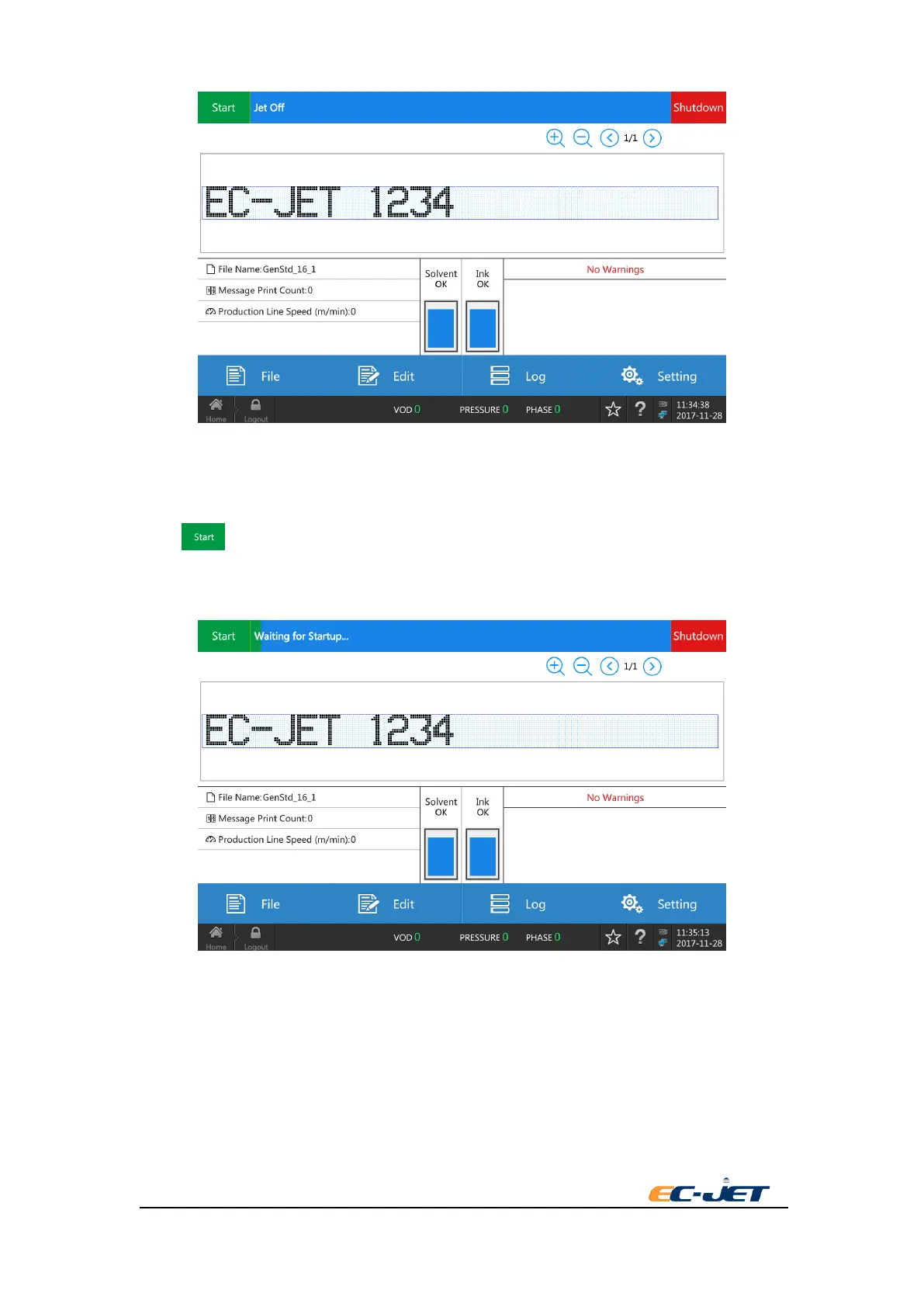
Now, it finishes editing the simple message.
3.7. Start Print
Press key to start print. The status line will show “Waiting for Startup...”. The printer
executes to start jet, adjusting ink jet until prepare to print. Once it is ready, the status line will
show “Printing”. The count of data printing will accumulate.
After everything is ready(that is the printhead is on the fixed position and the printing distance is
right), run the conveyor. It can be printed by pushing the button of start after this. If every setup is
normal, it will have a good printing.



 To Next Page