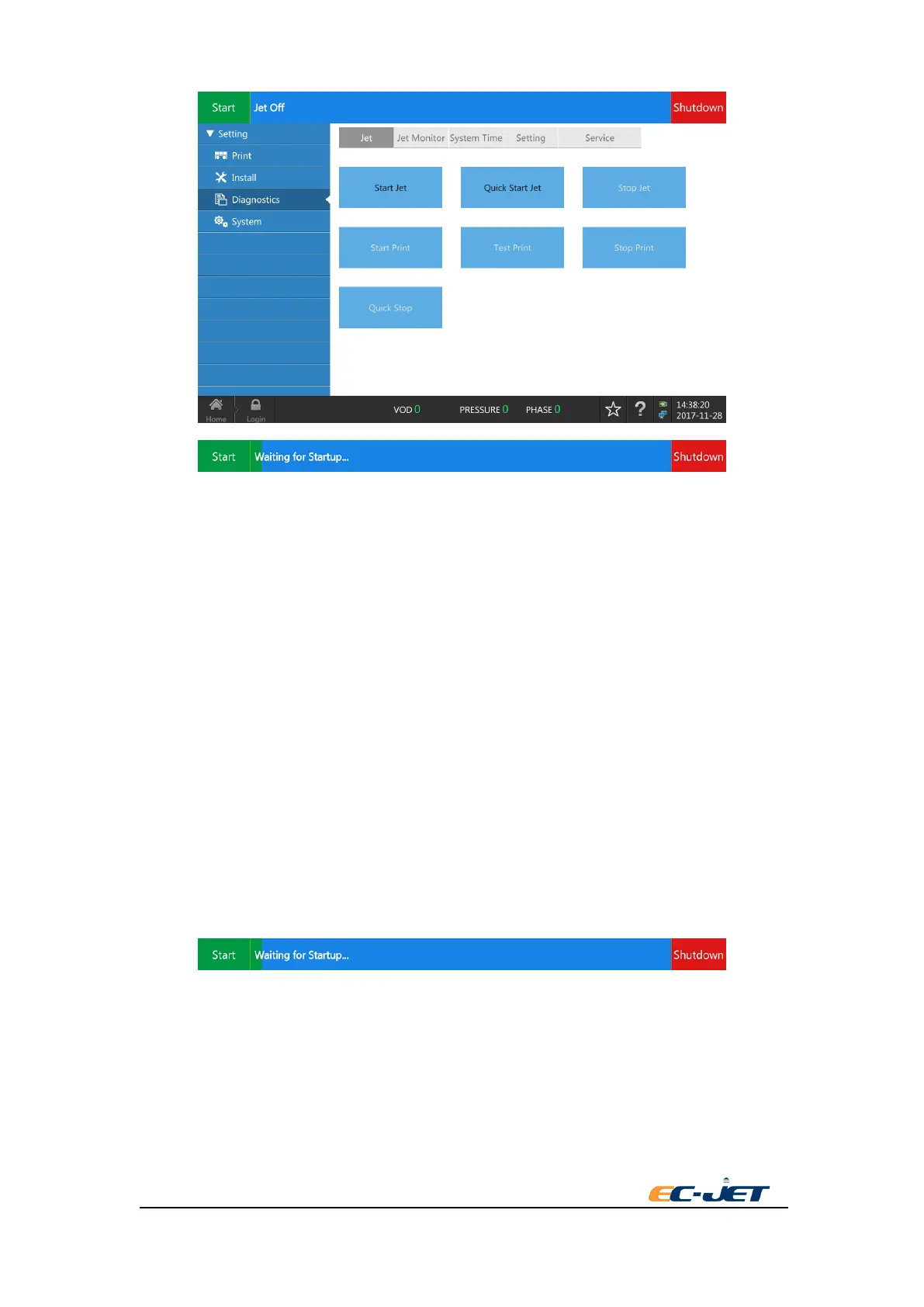
7.3. Stop Jet
Stop the printer being printing or jet running to jet. It executes the nozzle and pipeline cleaning
procedure during the procedure of stopping jet. Being standby and not power off after finishing.
7.4. Quick Jet
Start the jet without printing. (The checking system mentioned below is different from that of
“Start Jet”) Please note this operation does not check any of the following:
● Ink
● Solvent
● Phase
● VOD
● Modulation
● Detection of Printhead cover
The following message will be displayed while starting the jet:
WARNING: THIS COMMAND WILL START THE JET EVEN IF THE INK LEVEL IS LOW.
THE PUMP MAY BE DAMAGED IF IT IS RUN WITHOUT INK.
7.5. Start Print
Start Print means make the printer ready to print,then Start printing status . Note that this option



 To Next Page