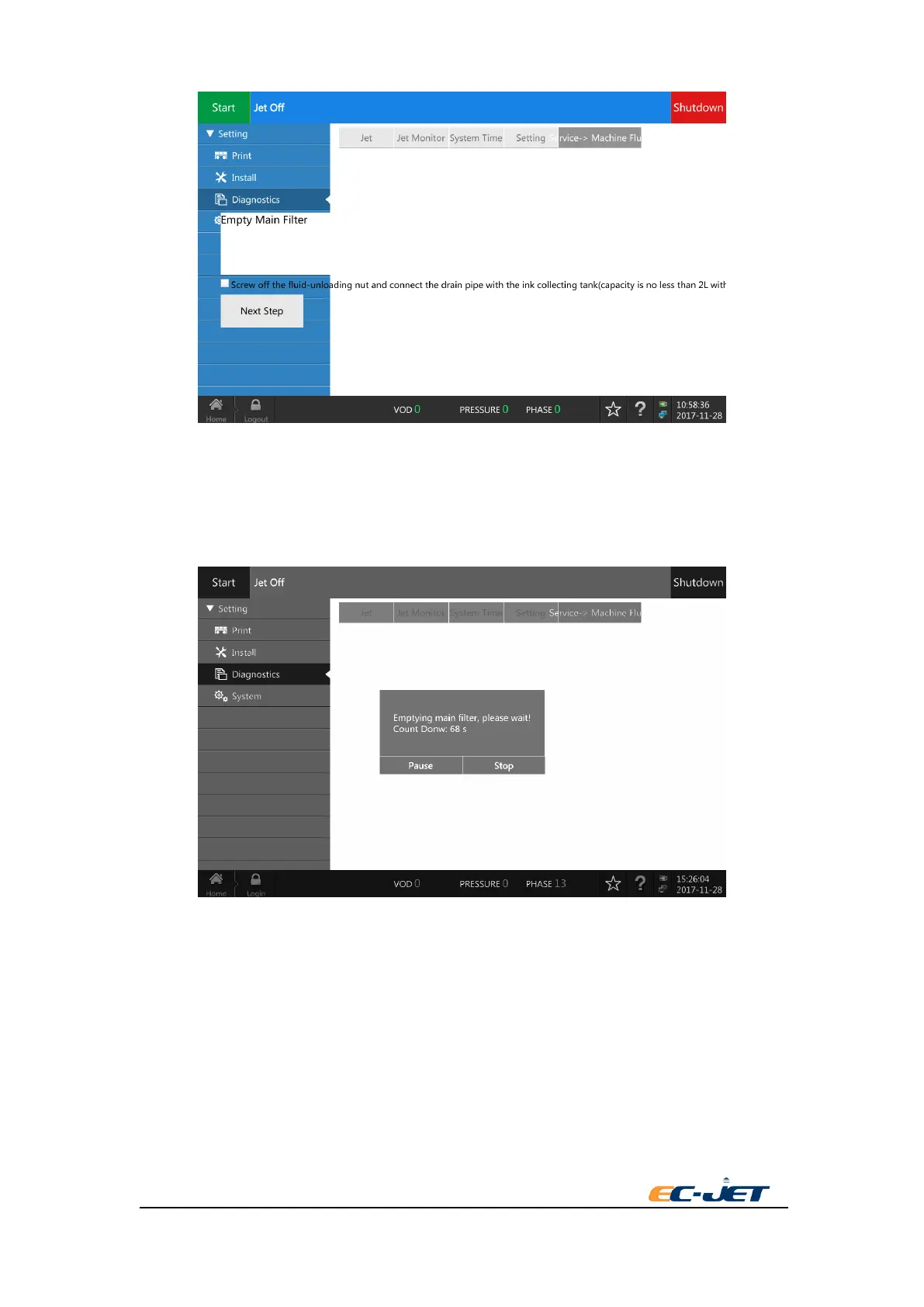
5 The screen shows the count down of emptying progress when the printer executes the emptying
procedure. Install and tighten the nut after finishing emptying procedure and then press “OK”. The
screen return to start interface and the empty time accumulates 1.
The first 15 seconds will clean the feed pipe ( red color) and flush pipe ( blue color) of the
printhead and the nozzle when it executes the emptying ink procedure each time.



 To Next Page