100
How to use the DVD player
How to operate the DVD player
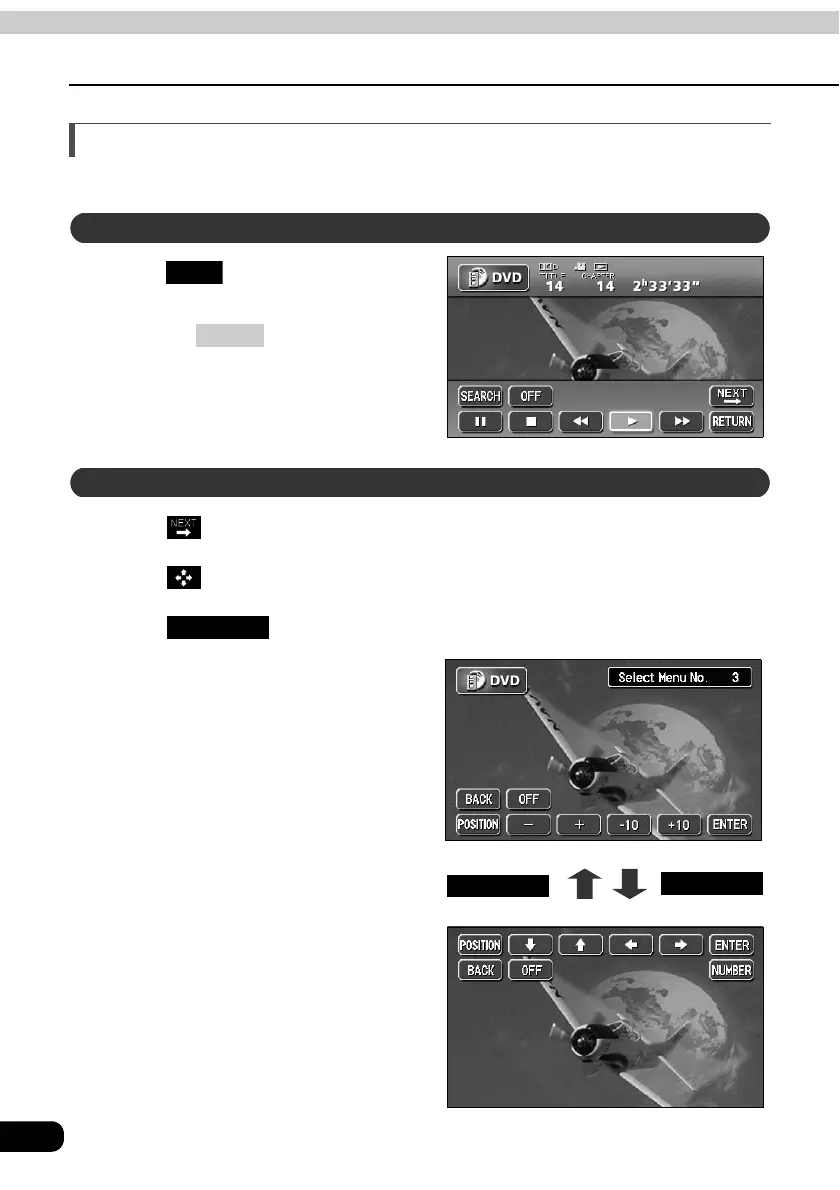
Changing the touch switch display
Display of the touch switches can be changed or turned off.
Touch on the DVD operation
screen.
• Pressing or the touching the
screen will display the touch switches
again.
Touch on the DVD operation screen.
Touch .
Touch .
• The position of the touch switch will
move up or down with each touch of
the screen.
Turning off the touch switches
OFF
CONT
Changing the touch switch display locations
POSITION
POSITIONPOSITION
POSITION



 To Next Page