114
How to operate the TV tuner
How to use the TV
The unit can be used as a TV if a TV tuner (sold separately) is connected to the unit. For
safety reasons, the TV can be viewed only when the ignition is switched to ON or ACC and
the vehicle is completely stopped with the parking brake set. If TV mode is selected while the
vehicle is in motion, or while the display is closed, only sound will be output.
Watching a TV
Press .
Touch .
Selecting channels
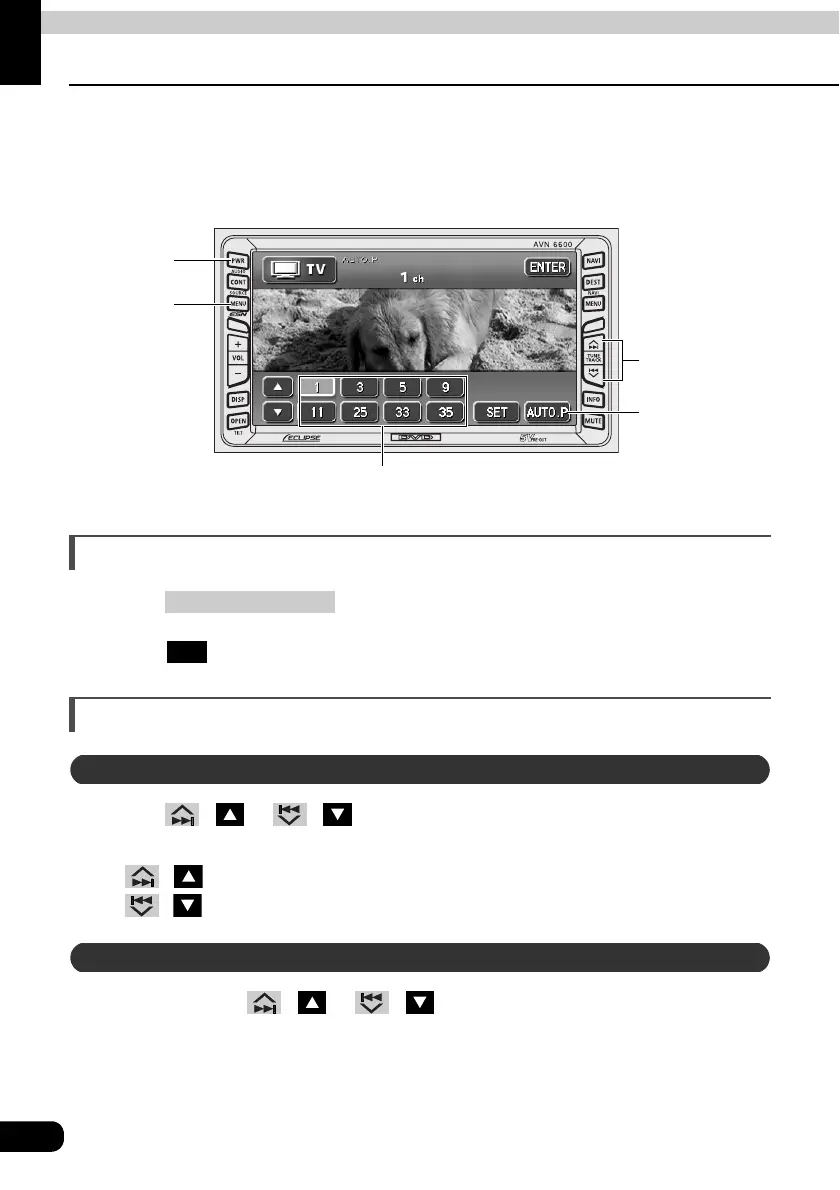
Press / or / .
• Pressing the switch once moves the channel one step up or down.
/ (up): Raises the channel
/ (down): Lowers the channel
Press and hold / or / until you hear a beep.
• The channel that is closest to the current channel will be searched for automatically,
and searching will stop when the channel is received. To stop the search before a
channel is found, press the button again.
Preset
Switches
AUTO.P
Switch
(SOURCE)
MENU Button
PWR Button
TUNE TRACK
Buttons
(SOURCE) MENU
TV
Manual selection
Automatic selection



 To Next Page