70
How to use the MP3/WMA player
How to operate the MP3/WMA player
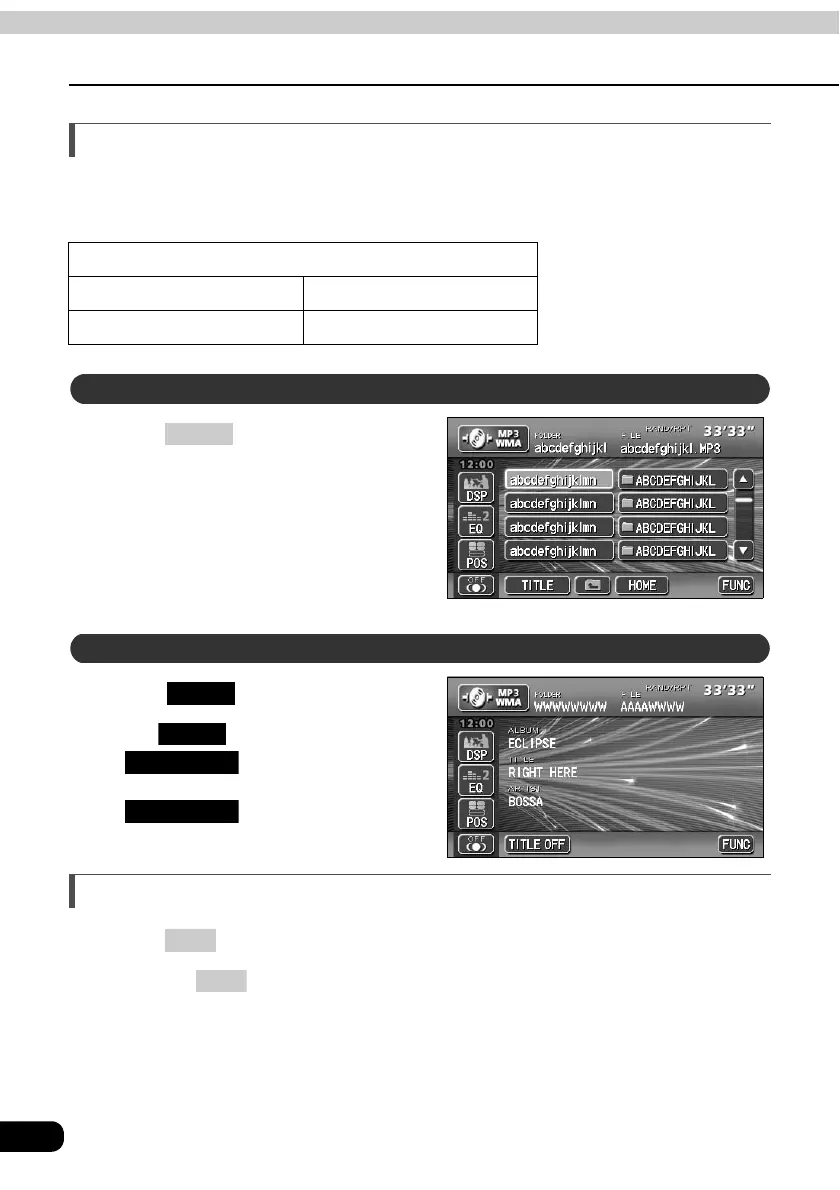
About display of file information
Folder names and file information (album name and song titles) recorded on the disc can be
displayed. The number of characters that can be displayed is as shown below.
Press to display the
operation screen.
Touch .
• The switch will change to
while file information is
being displayed. Touching
will change the display
to a folder/file switch.
Turning off the MP3/WMA player
Press .
• Pressing again will resume playback.
Screen Display
Folder/file names Music file information
8 characters max. 30 characters max.
Displaying folder/file names
CONT
Displaying file information
TITLE
TITLE
TITLE OFF
TITLE OFF
PWR
PWR



 To Next Page