126
How to use the DUAL PLAY
How to operate the DUAL PLAY
How to play DVD
The remote control is operable only when DVD is inserted in the disc slot.
• For details of DVD operation, refer to "Before using the DVD player" (on page 88).
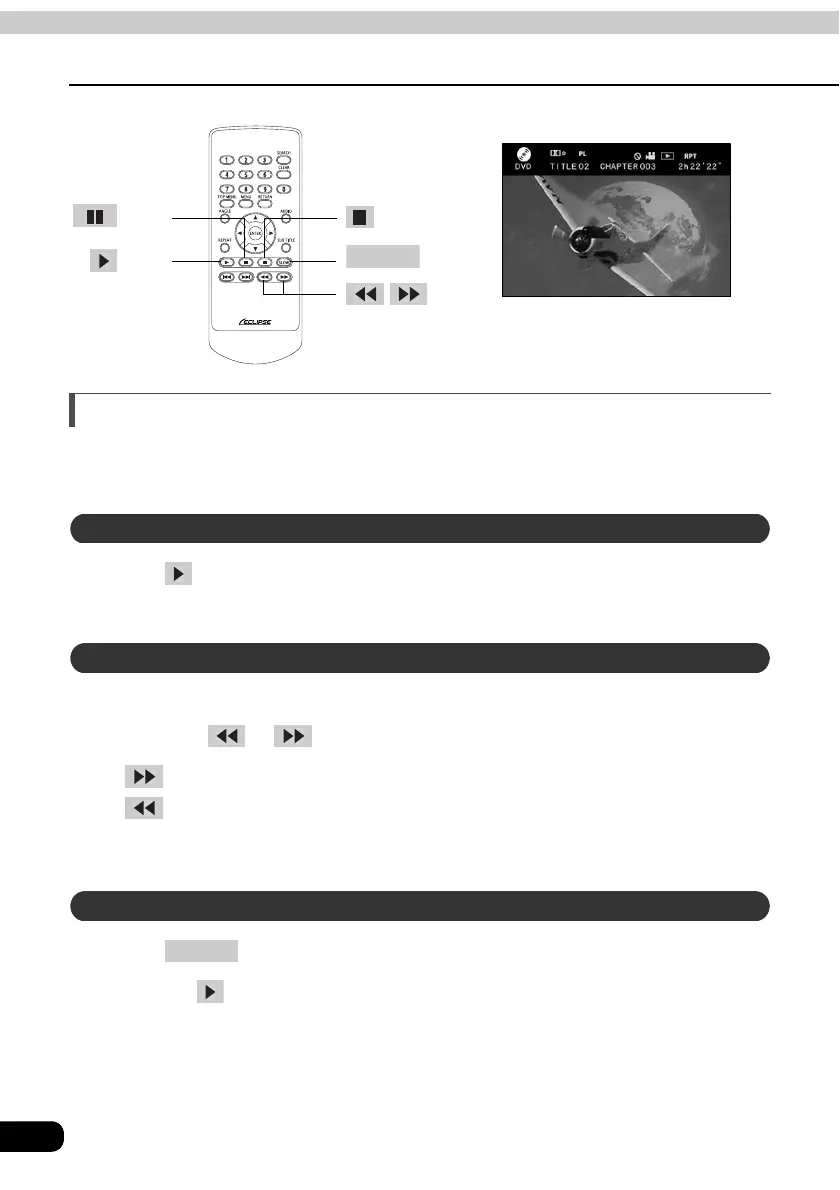
Press .
• It will start playing.
It is possible to fast-forward/rewind the video played currently.
Hold down or .
• :Rewinds
• :Fast-forwards
The main unit will continue to fast-forward (rewind) until your finger is removed
from the switch.
Press .
• Pressing will cancel the slow motion.
button
button
SLOW
button
buttons
button
The screen display of rear seat monitor
Watching a DVD
Fast-forwarding/rewinding
Playing the video in slow motion
SLOW



 To Next Page