95
DVD
Operating the video
Touch .
It is possible to fast-forward or rewind through the video being played.
Using panel button
Press and hold the or switch until a beep is heard.
• (up): Advances the video
(down): Rewinds the video
• The main unit switches to the fast-forward (rewind) mode when the beep is heard and
will continue fast-forwarding (rewinding) until your finger is removed from the switch.
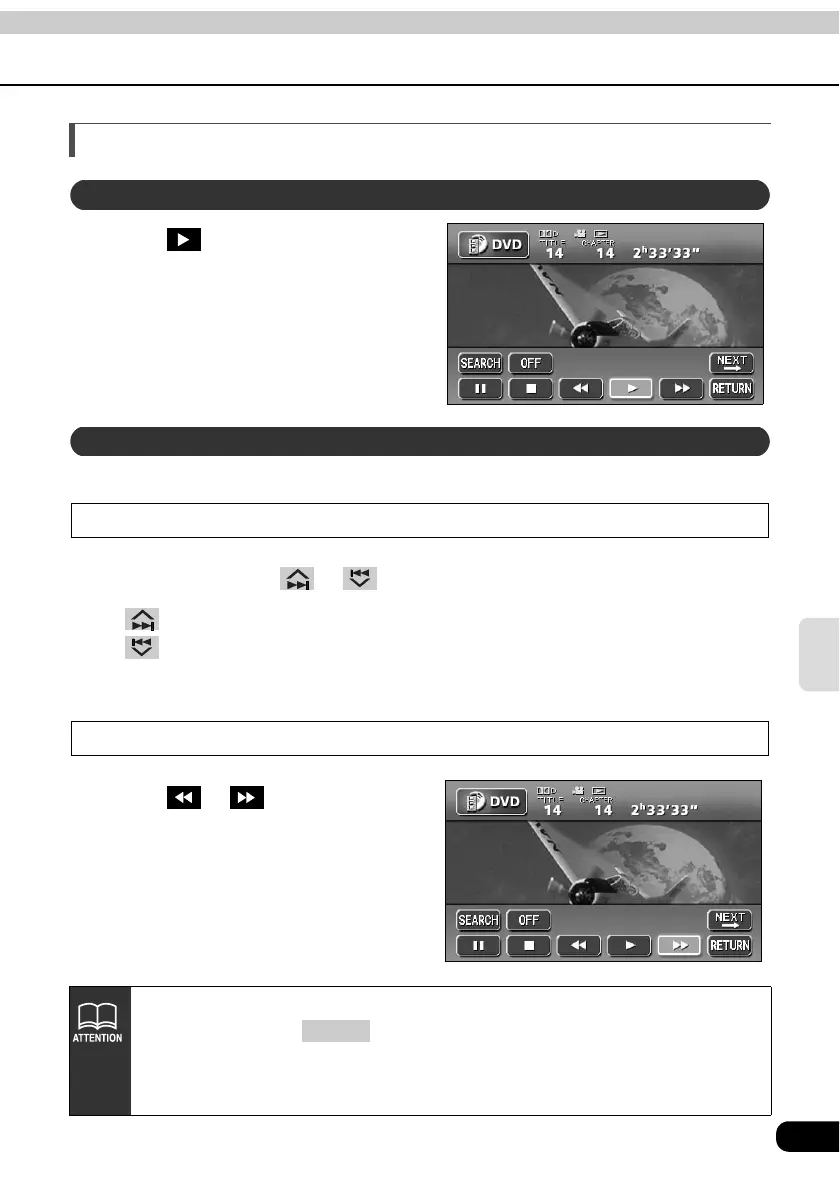
Fast-forwarding/rewinding using the touch switches
Touch or .
• The main unit switches to the fast-
forward (rewind) mode when the beep
is heard and will continue fast-
forwarding (rewinding) until your finger
is removed from the switch.
Playing the video
Fast-forwarding/rewinding
• Information for items such as touch switches will be displayed for about 6
seconds. Pressing or touching the screen will display them again.
• Depending on the disc, automatic playback may not function or playback may
not function unless a menu recorded on the disc is selected. (Refer to
"Operating the disc menu" on page 97.)
CONT



 To Next Page