105
DVD
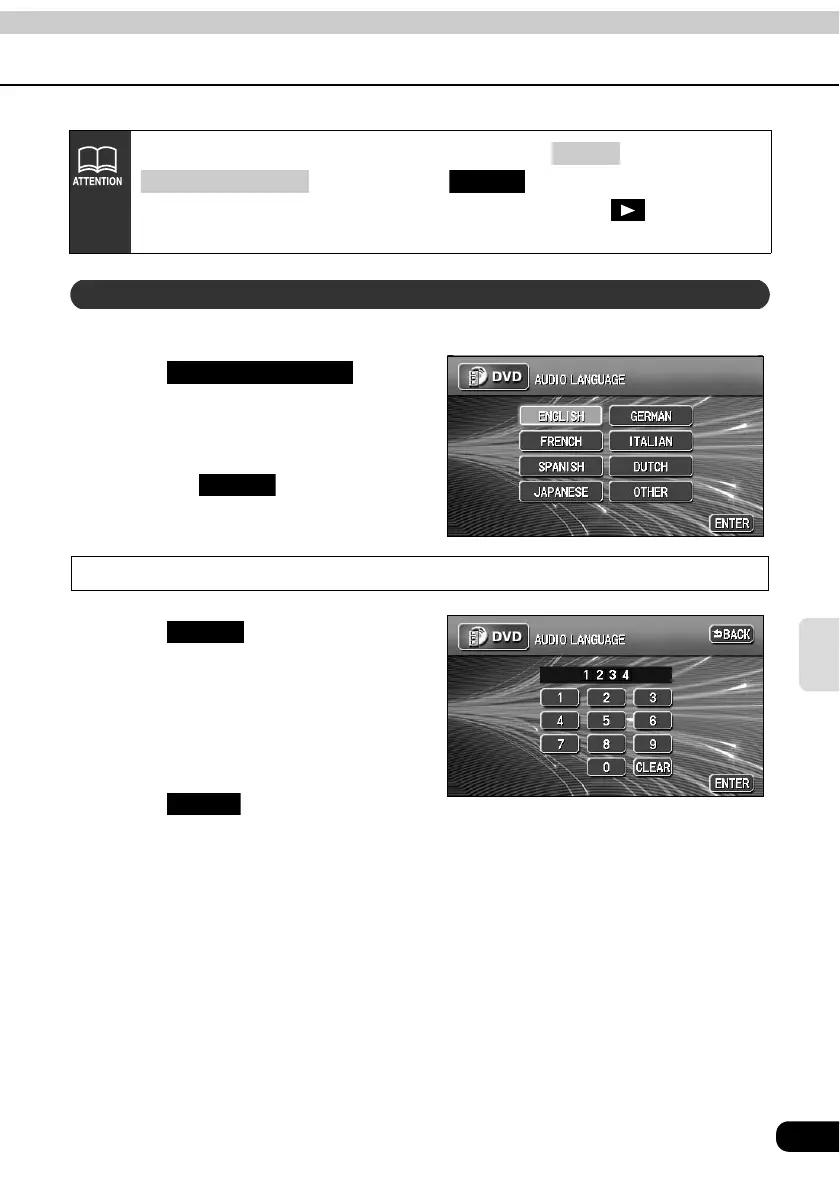
The preferred language for the video being played can be selected.
Touch on the
SET UP screen.
Touch the preferred language.
• Touching enables setting of
a language other than those displayed
on the screen.
Input a code
Touch on the AUDIO
LANGUAGE setting screen.
Input a language code.
• Refer to "Table of language codes" on
page 111 for language codes.
Touch .
Pressing one of the switches that can switch screens ( or
) without touching after changing settings with
the default setting screen will stop playing of the DVD. Touch
on the
operation screen to start playback again. (Refer to page 95.)
CONT
(SOURCE) MENU ENTER
Setting the audio language
AUDIO LANGUAGE
OTHER
OTHER
ENTER



 To Next Page