106
How to use the DVD player
How to operate the DVD player
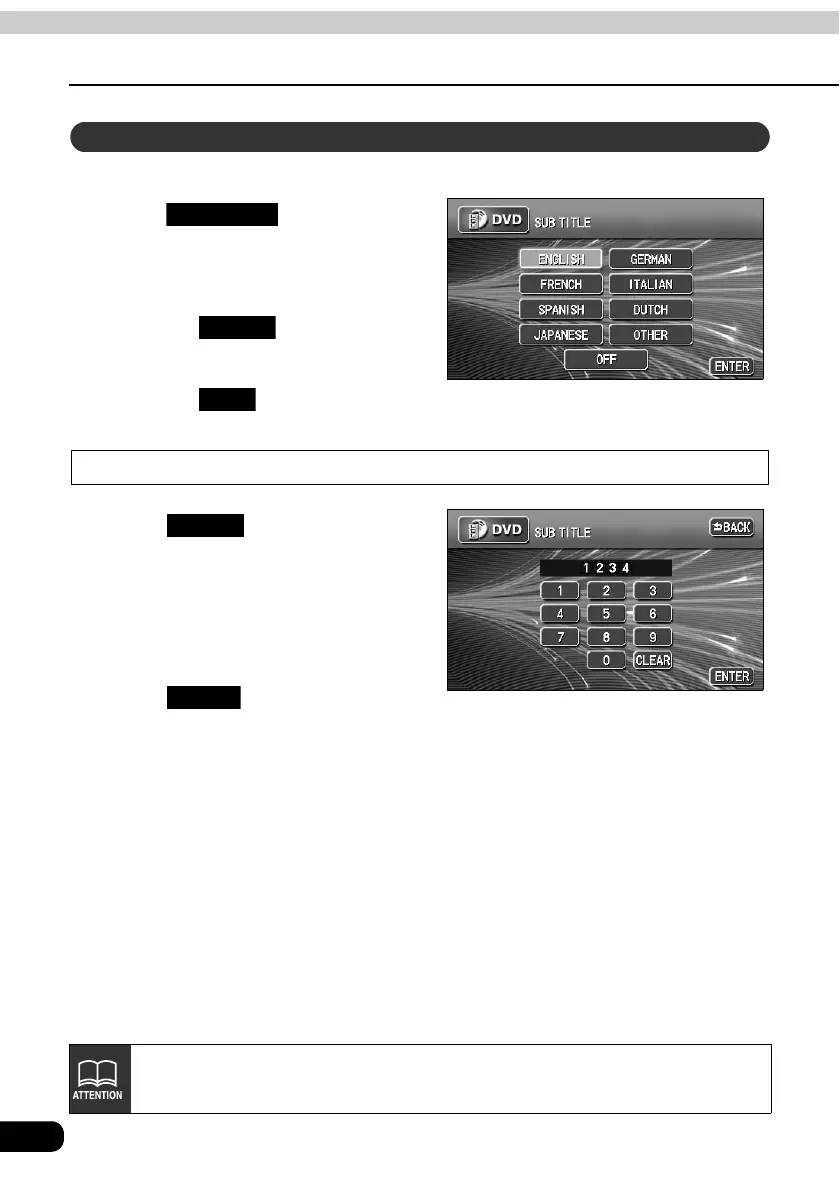
The preferred subtitles for the video being played can be selected.
Touch on the SET UP
screen.
Touch the preferred language.
• Touching enables setting of
a language other than those displayed
on the screen.
• Touching plays the video with
no subtitles on the screen.
Input a code
Touch on the SUB TITLE
setting screen.
Input a language code.
• Refer to "Table of language codes" on
page 111 for language codes.
Touch .
Subtitle language setting
SUB TITLE
OTHER
OFF
OTHER
ENTER
Language switching cannot be performed if the selected language is not
recorded on the disc.



 To Next Page