115
TV
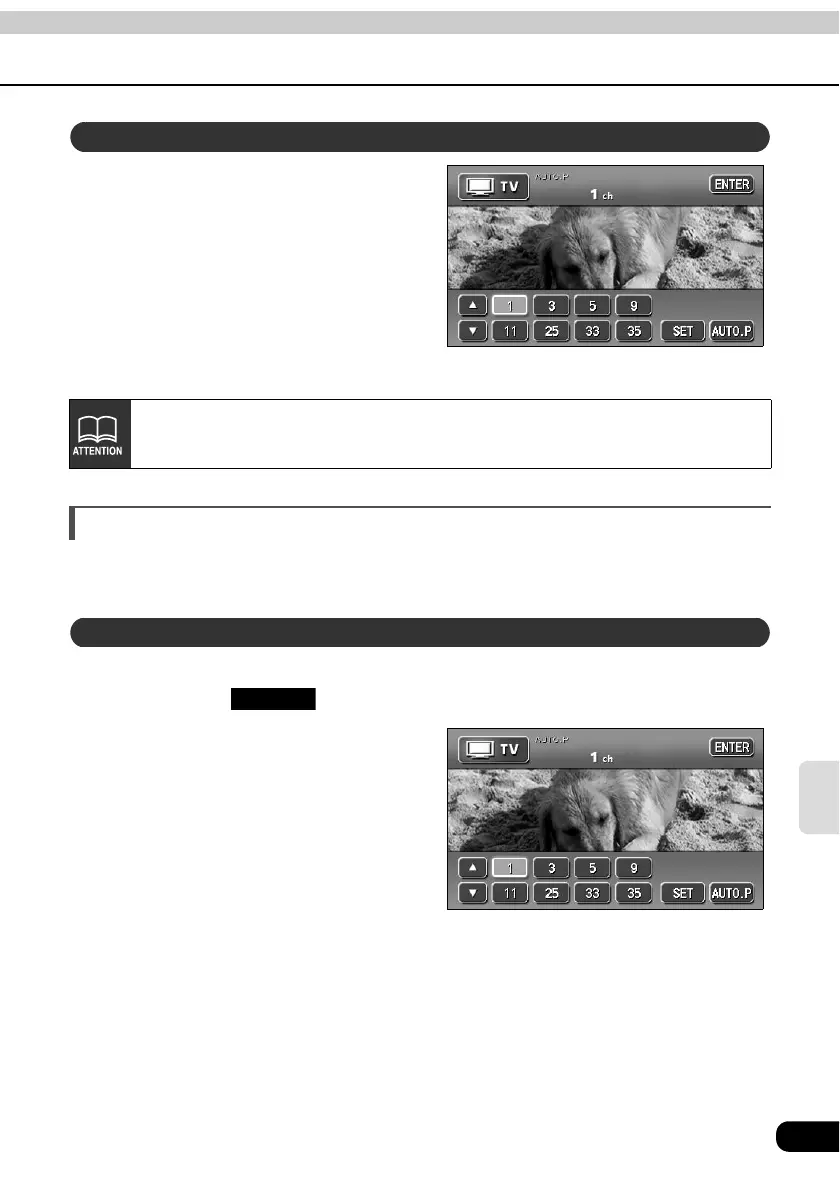
Touch a preset switch that already
has a channel recorded.
• See "Saving channels" shown below
for more information.
Saving channels
There are two modes for saving channels, manual and AUTO.P. These modes operate
independently.
Make sure "AUTO.P" is not displayed in the upper part of the screen.
• If displayed, touch to switch to manual.
Use manual tuning or automatic
tuning to select the channel to be
saved.
Choose a preset switch and touch
it until you hear a beep.
• The channel is set. Touch the preset
switch to tune in the selected channel.
Selection using prest switches
After switching to the TV operation screen, touch switches will be displayed for
about 6 seconds. Touch the screen to display them again.
Saving manually
AUTO.P



 To Next Page