98
How to use the DVD player
How to operate the DVD player
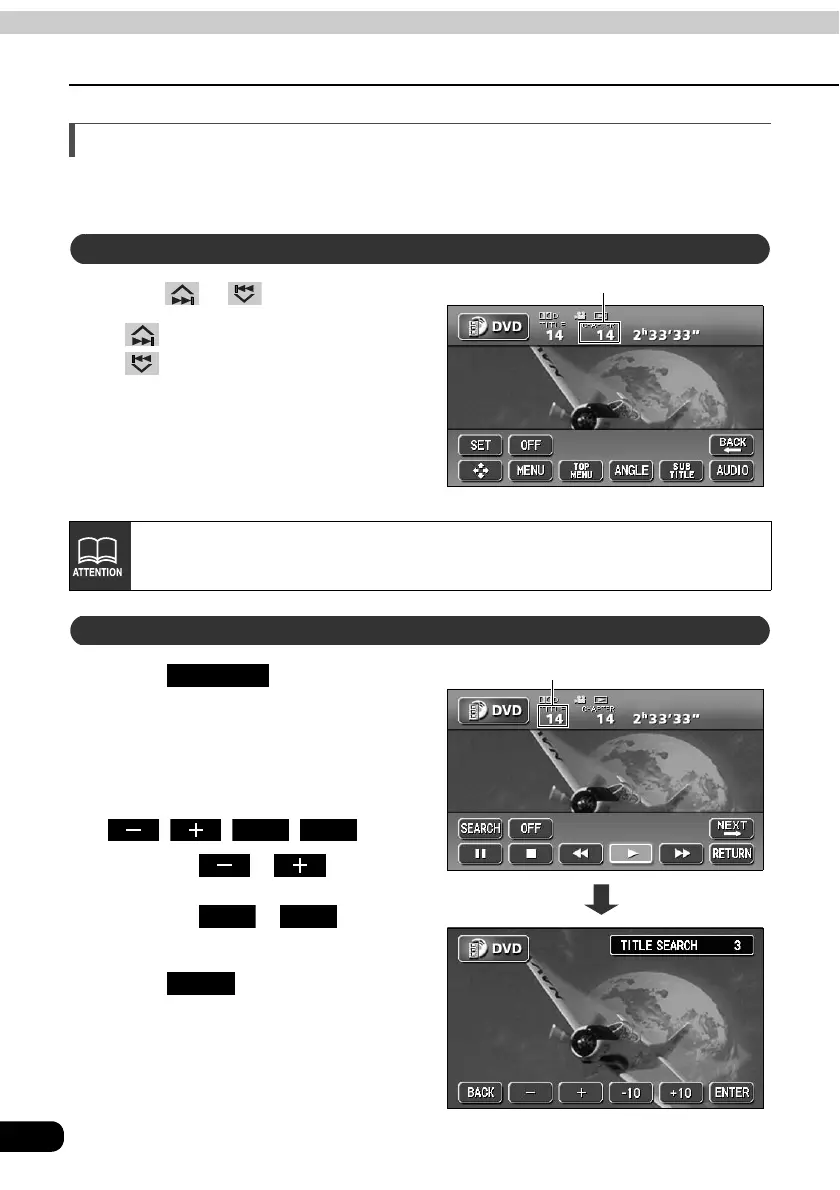
Searching for a desired chapter
It is possible to search for a particular video segment by title and chapter or by menu number
(number for divided segments).
Press or .
• (up):
Selects next chapter
(down):
Selects previous chapter
Touch on the DVD
operation screen.
• The title number input screen will be
displayed.
Input the title number by touching
, , , .
• Touching or changes
the title number by ones.
• Touching or changes
the title number by tens.
Touch .
Searching by chapter
Chapter number
Recorded menu items will differ by disc. Some functions may not perform during
operation because playback is following disc content specifications.
Searching by title number
Title number
SEARCH
-10 +10
-10 +10
ENTER



 To Next Page