24
Basic operation
Switching mode
The main unit can be used when the vehicle's ignition switch is on or in the ACC position.
• The main unit supports use of a remote control. The optional remote control is sold
separately and can be purchased at your local retailer. Refer to page 138 for instructions
on operation of the remote control.
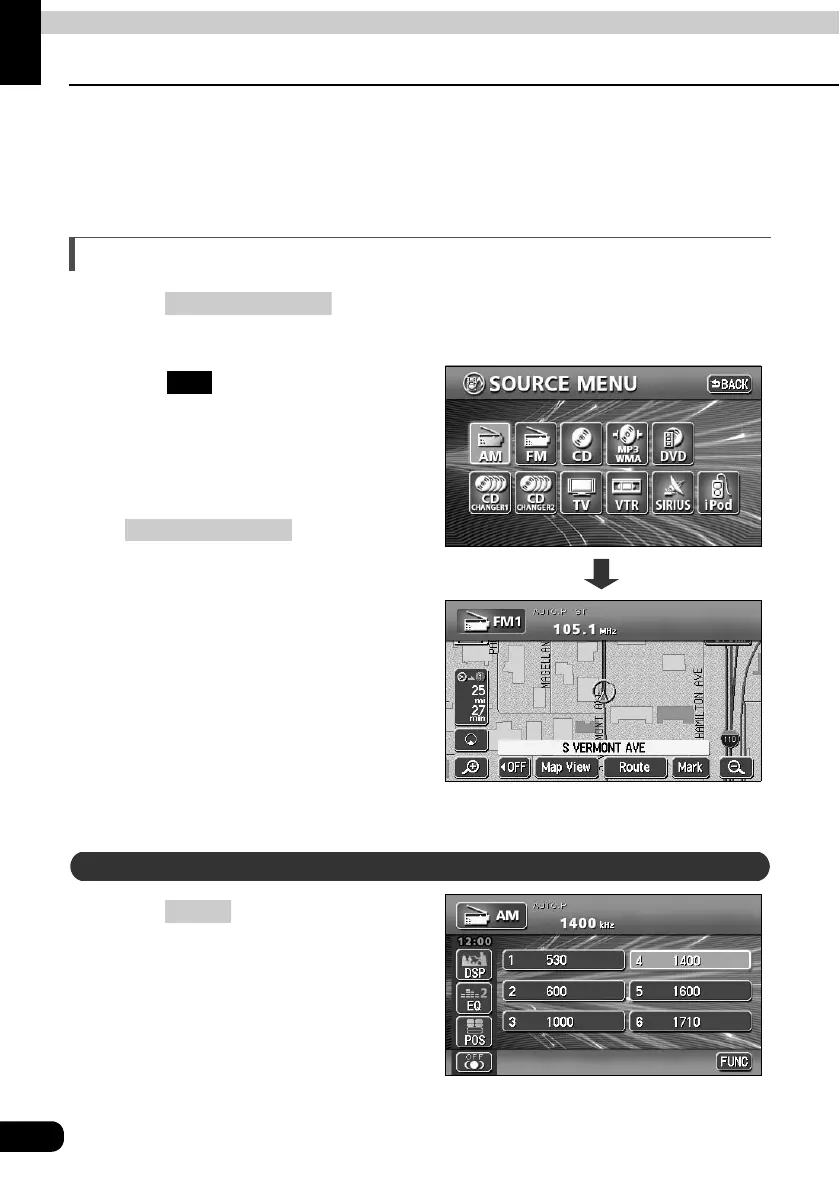
Switching the mode
Press .
• The AUDIO MENU screen will be displayed.
Touch .
• The various audio modes can be
selected by touching the
corresponding touch switches.
• When the navigation screen is being
displayed before pressing
, the selected
mode will be displayed on-screen over
the background.
Press .
(SOURCE) MENU
On-screen display
FM
(SOURCE) MENU
Displaying operation screen
CONT



 To Next Page