102
How to use the DVD player
How to operate the DVD player
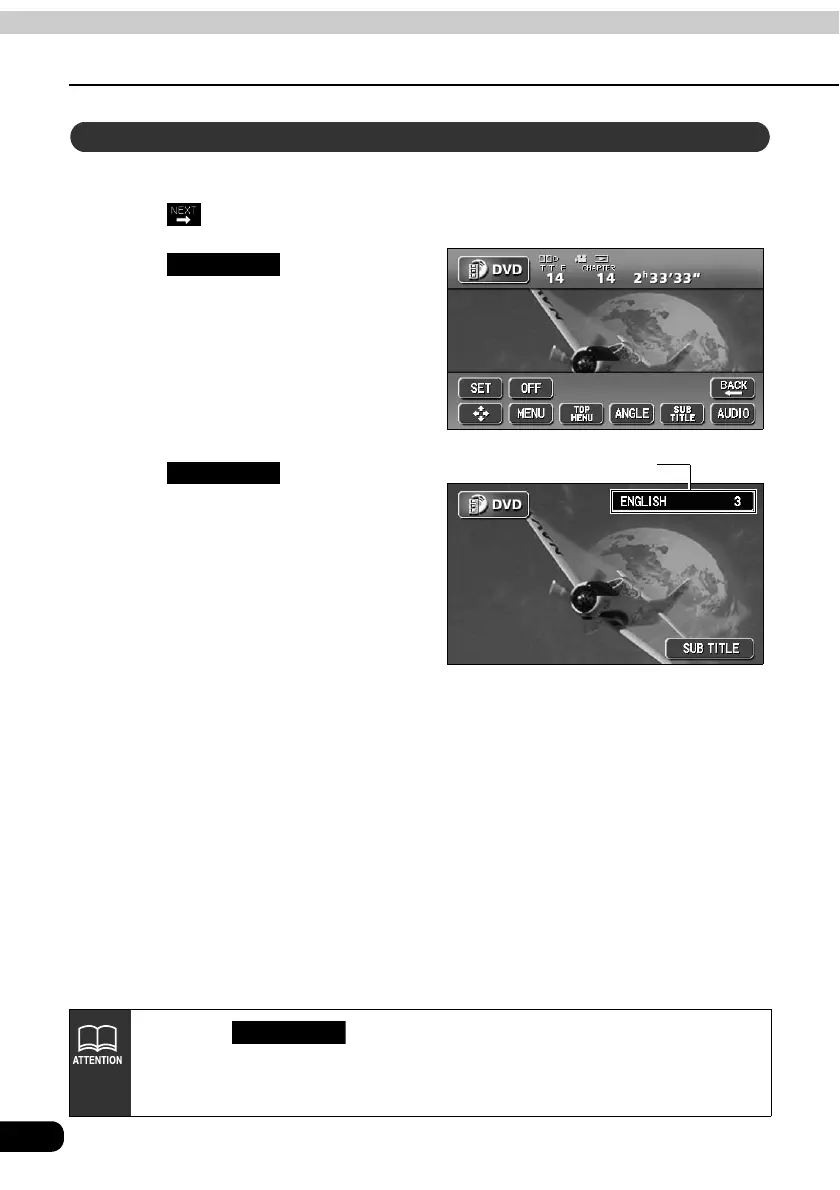
When subtitles in several languages are recorded on a disc, the subtitles can be switched.
Touch on the DVD operation screen.
Touch .
• The subtitle number and language will
be displayed.
Touch .
• Switches the subtitle number each
time the touch switch is touched and
switches the displayed subtitle
language.
Switching subtitle languages
SUB TITLE
Subtitle number and language
SUB TITLE
• Each time is pressed, the subtitle language will change in order
from among the subtitles recorded on the disc.
• Depending on the disc, it may only be possible to change subtitles from the top
menu.
SUB TITLE



 To Next Page