124
How to use the DUAL PLAY
How to operate the DUAL PLAY
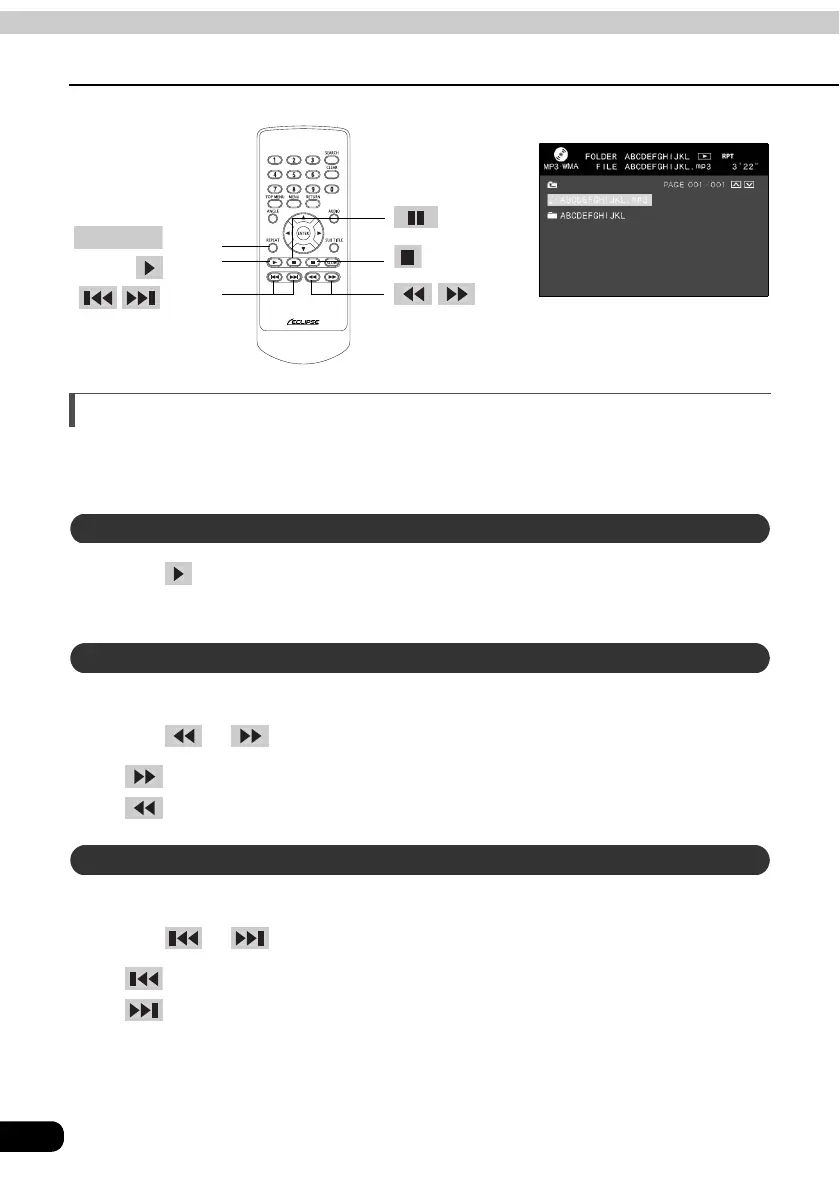
How to play MP3/WMA
The remote control is operable only when CD (MP3/WMA) is inserted in the disc slot.
• For details of MP3/WMA, refer to "About MP3/WMA" (on page 71).
Press .
• It will start playing.
A folder located within a disc can be selected.
Press or .
• :Selects previous folder.
• :Selects next folder.
A music file located within a folder can be selected.
Press or .
• :Selects previous song
• :Selects next song
button
button
REPEAT
button
button
buttons
buttons
The screen display of rear seat monitor
Playing MP3/WMA
Selecting a folder
Selecting a music file



 To Next Page