58
How to use HD Radio
How to operate the tuner
Saving radio stations
There are two modes for saving radio stations, manual and AUTO.P, and these modes
operate independently.
Refer to "How to use the AM / FM radio" on page 53.
Refer to "How to use the AM / FM radio" on page 53.
Refer to "How to use the AM / FM radio" on page 53.
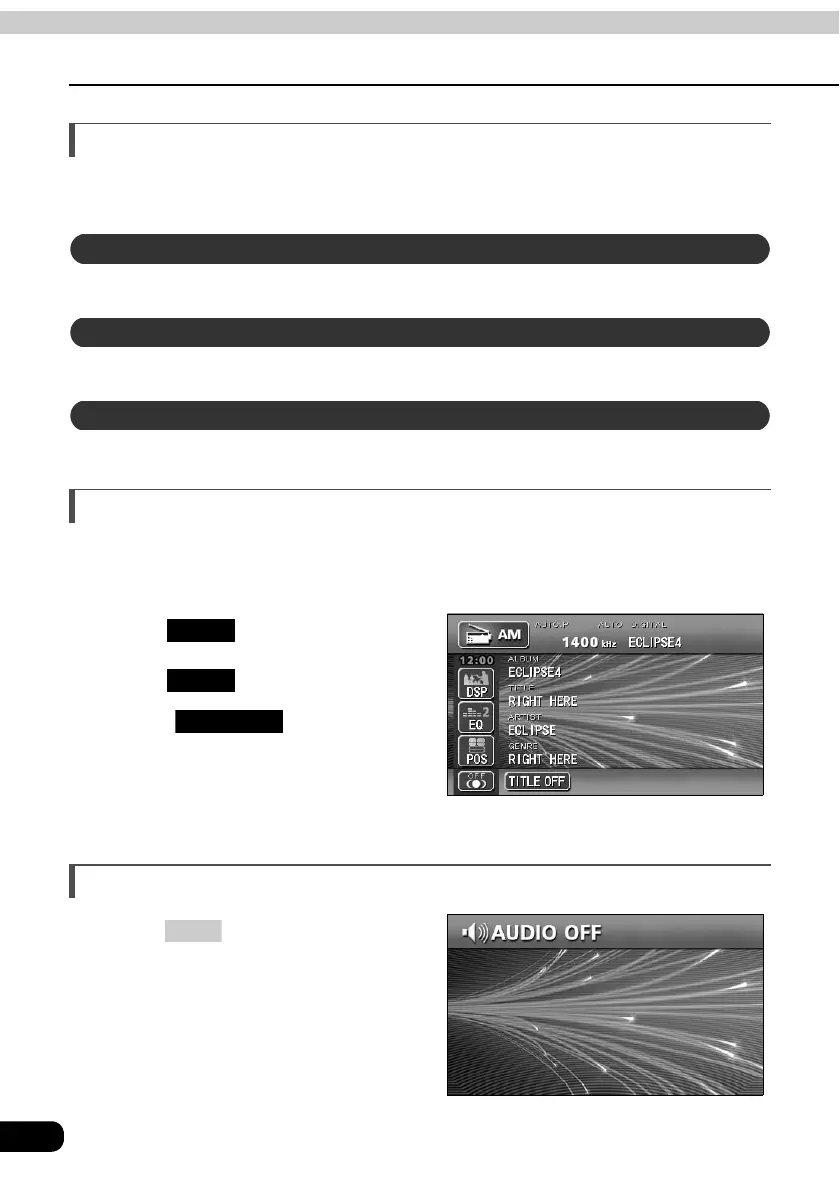
Displaying information about the current broadcast
When receiving an HD RADIO (IBOC) broadcast, information about the current broadcast,
such as the name of the radio station, the album, the title of the track, the artist, and the
musical genre, can be displayed.
Touch .
Touch .
• Touch to return to the
operation screen.
Turning off the radio
Press .
• Pressing PWR again will turn on the
radio and resume reception of the
radio station (frequency) received
before power was turned off.
Saving manually
Saving with AUTO.P
Changing stations saved by AUTO.P
FUNC
TITLE
TITLE OFF
PWR



 To Next Page