112
How to operate the VTR
How to use the VTR
Connecting a VTR deck enables watching of video tapes. Videos can be played only if the
vehicle is completely stopped in a safe location with the parking brake set and the ignition
switch turned to ON or ACC. (Only sound can be heard if a VTR is played while the car is in
motion.)
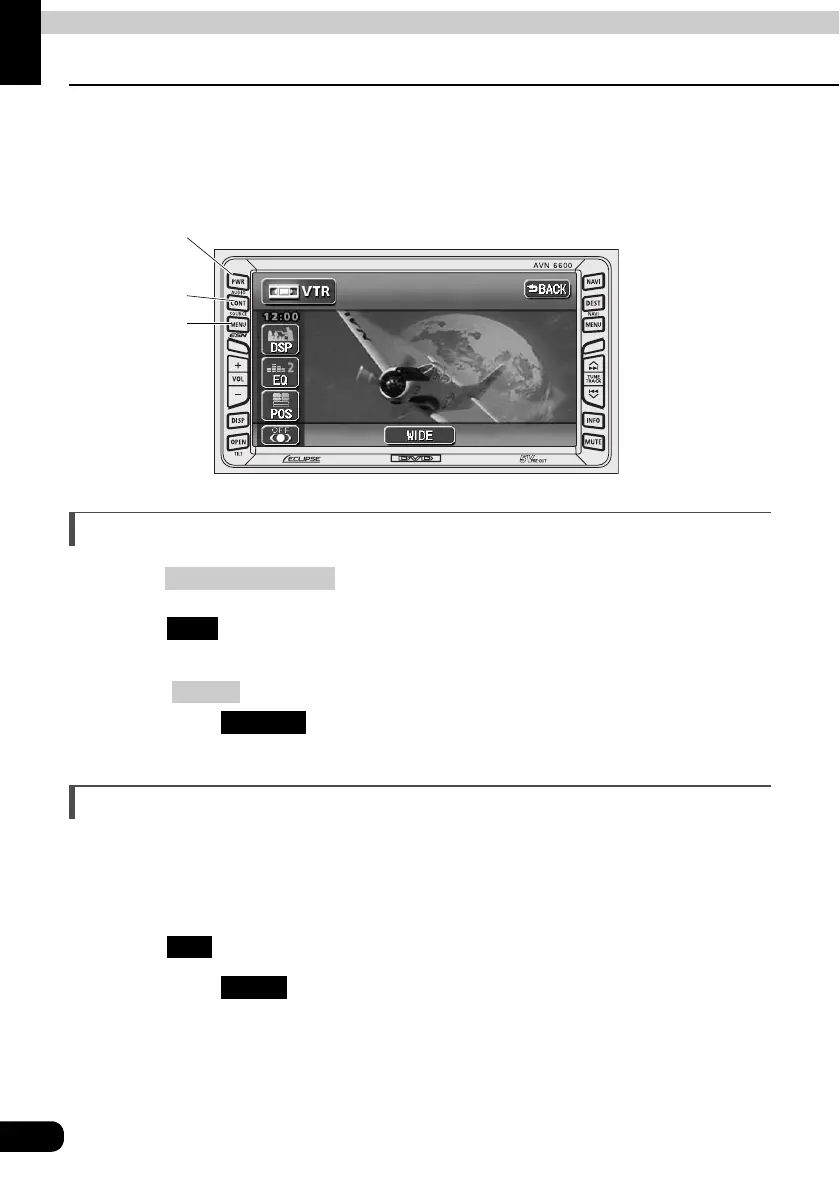
Viewing the VTR
Press .
Touch .
• The VTR screen will be displayed.
• Press or touch the screen to display the VTR operation screen.
• By touching on the VTR operation screen, the display will show video
again.
Switching the VTR setting screen
Various setting mentioned below can be made by switching to the VTR setting screen.
• Tone control such as EQ and POS.
• Switching the screen mode (wide mode)
Touch on the VTR operation screen.
• By touching , the display will return to the VTR operation screen.
CONT button
SOURCE
button
Power button
(SOURCE) MENU
VTR
CONT
ENTER
SET
BACK



 To Next Page