46
Adjusting/setting the screen
Basic operation
Press on the audio mode screen or DVD/VTR/TV screen.
Touch after making any adjustments.
• If no adjustments are made after 20 or more seconds, the image quality adjustment
screen will be canceled.
The day screen and night screen will be switched each time is
pressed.
Touch .
• Press or to return to the original screen.
DISP
ENTER
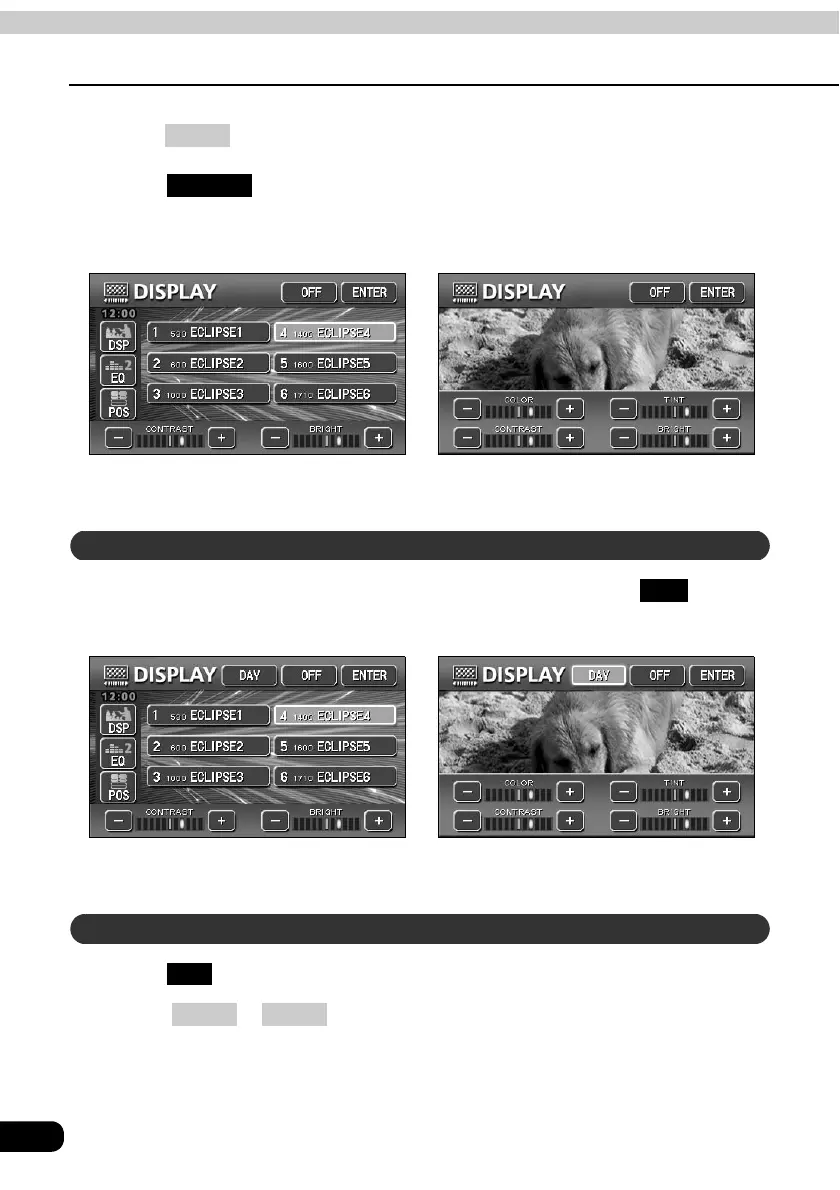
● When adjusting audio operation screen ● When adjusting DVD/VTR/TV screen
How to switch to daytime display when the lights are ON
DAY
● When adjusting audio operation screen ● When adjusting DVD/VTR/TV screen
Turning off the screen
OFF
CONT NAVI



 To Next Page