41
Basic
operation
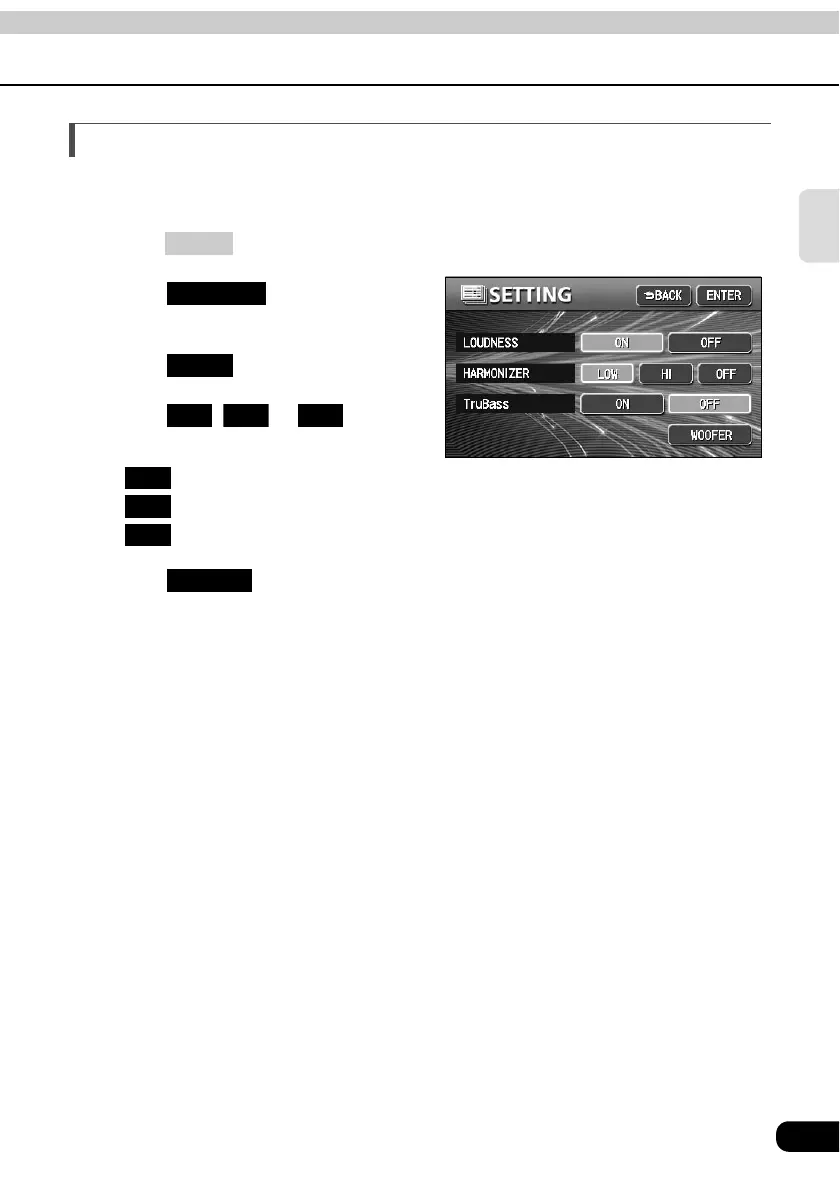
Setting the harmonizer
It is possible to set the sound quality boost level to automatically regenerate harmonics such
as reverberation, depth, and tone lost in compression, producing a much clearer sound.
Press .
Touch on the
INFORMATION screen.
Touch .
Touch , or for
HARMONIZER.
• : Low level of correction
: High level of correction
: No correction
Touch .
• Selection can be made when MP3/WMA disc is inserted into the unit .
INFO
SETTING
NEXT
Low Hi OFF
Low
Hi
OFF
ENTER



 To Next Page