118
How to use the TV
How to operate the TV tuner
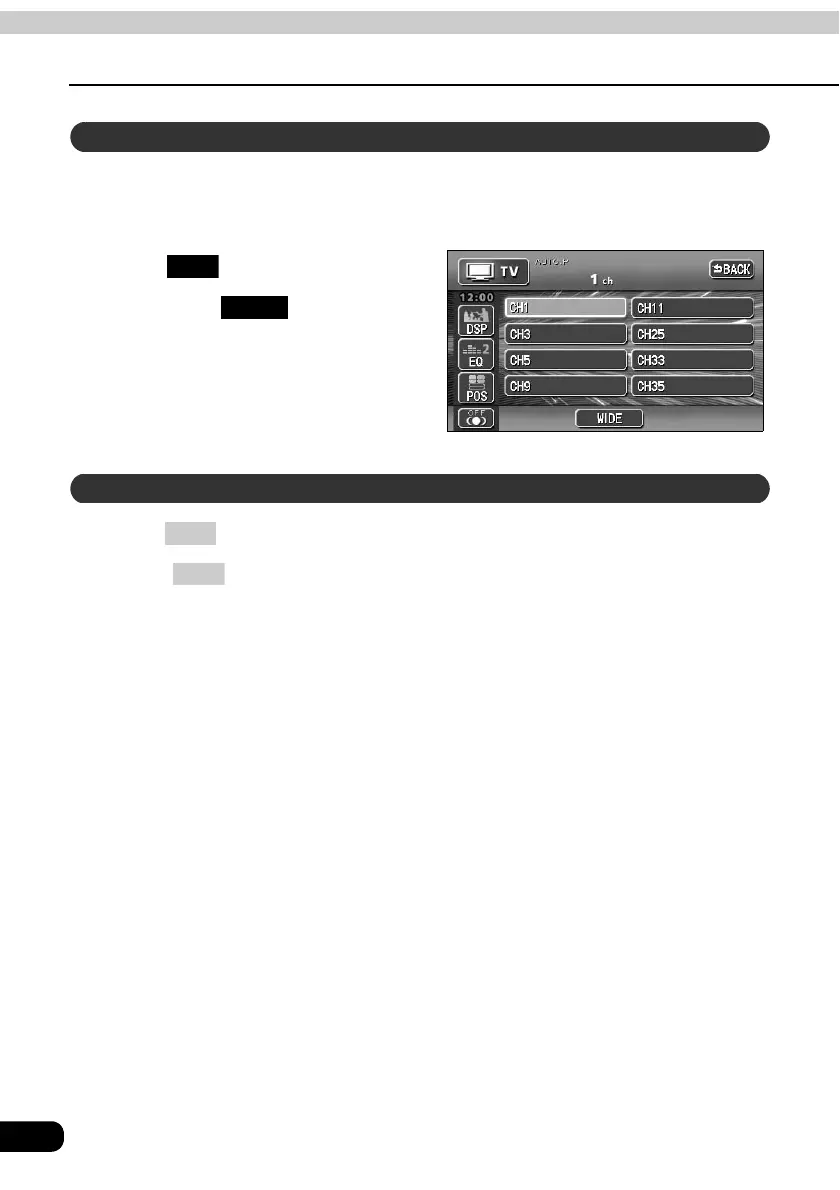
Various setting mentioned below can be made by switching to the TV setting screen.
• Switching the display mode (wide mode)
• Memorizing channel number manually.
Touch .
• By touching , the display will
return to the TV operation screen.
Press .
•Press again to turn on the TV and resume reception of the channel received
before power was turned off.
Switching the TV setting screen
SET
BACK
To end TV mode
PWR
PWR



 To Next Page