101
DVD
Switching between screen display and audio
It is possible to change the language for subtitles, the language for audio and the display
angle for the video being played.
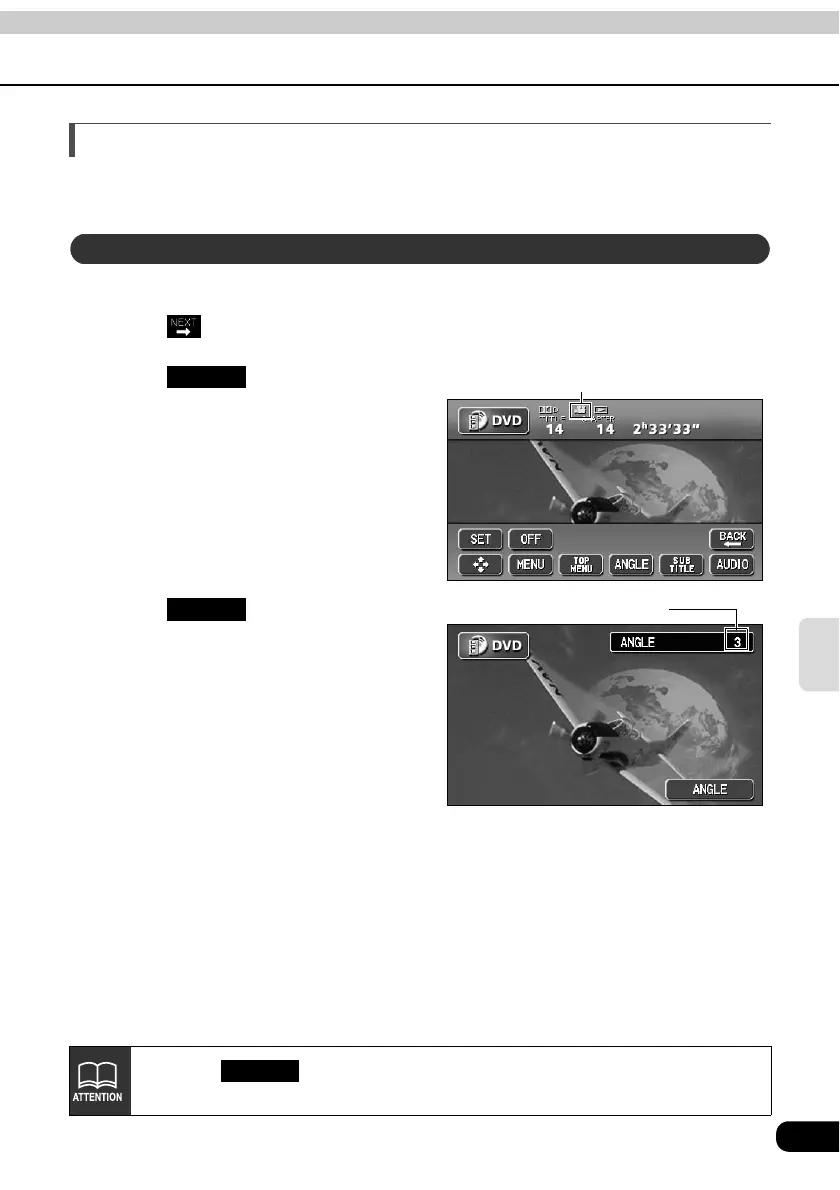
When several angles of a scene are recorded on a disc, the angle can be switched.
Touch on the DVD operation screen.
Touch when the multi-
angle mark is displayed.
• The angle number will be displayed.
Touch .
• The angle number will change and the
angle of the video will be switched.
Switching the video angle
Multi-angle mark
ANGLE
Angle number
ANGLE
Each time is pressed, the angle will change in order from among the
angles recorded on the disc.
ANGLE



 To Next Page