Basic operation
43
Basic
operation
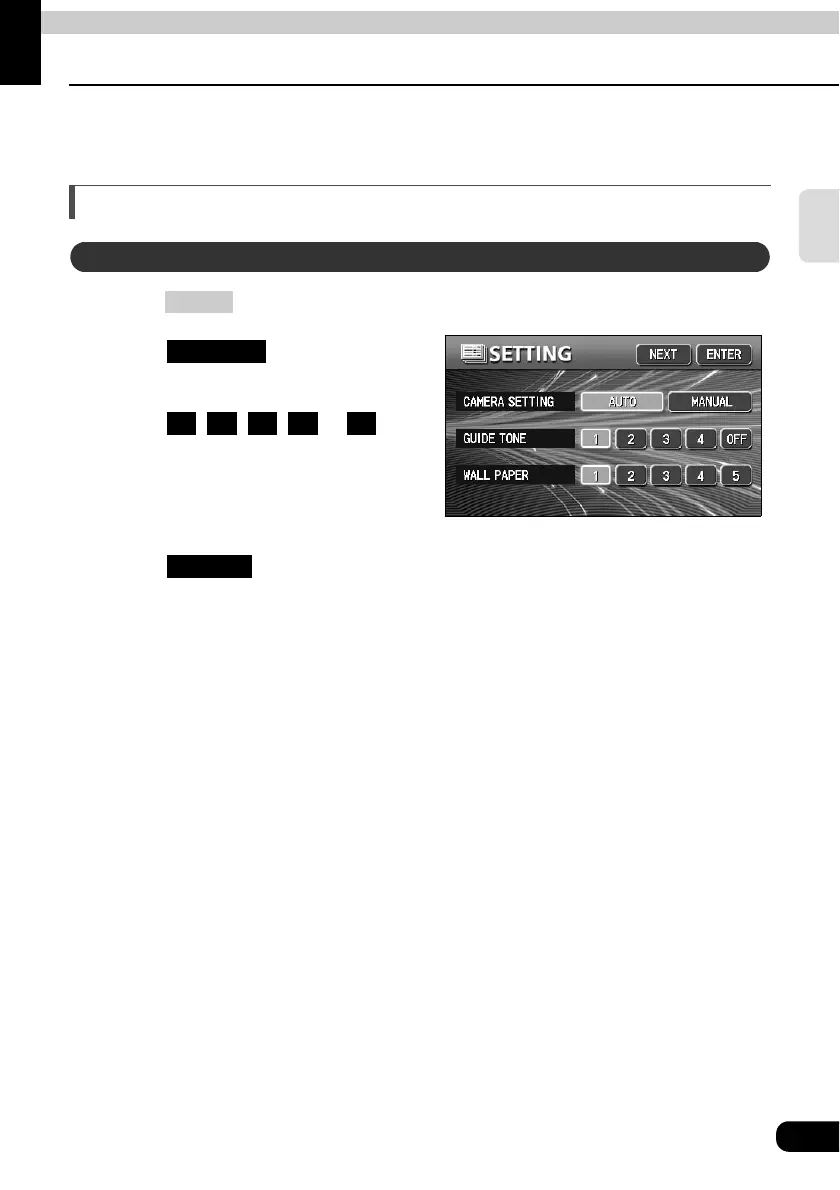
Setting the background screen
The background for the audio screen, information screen and navigation screen can be
changed to a preferred wallpaper.
Setting the wallpaper
Press .
Touch on the
INFORMATION screen.
Touch , , , or of
WALL PAPER.
• The pressed touch switch will become
brighter and the wallpaper
(background) will change.
Touch .
Changing the wallpaper
INFO
SETTING
1 2 3 4 5
ENTER



 To Next Page