136
About the steering wheel switches
How to use the steering wheel switch
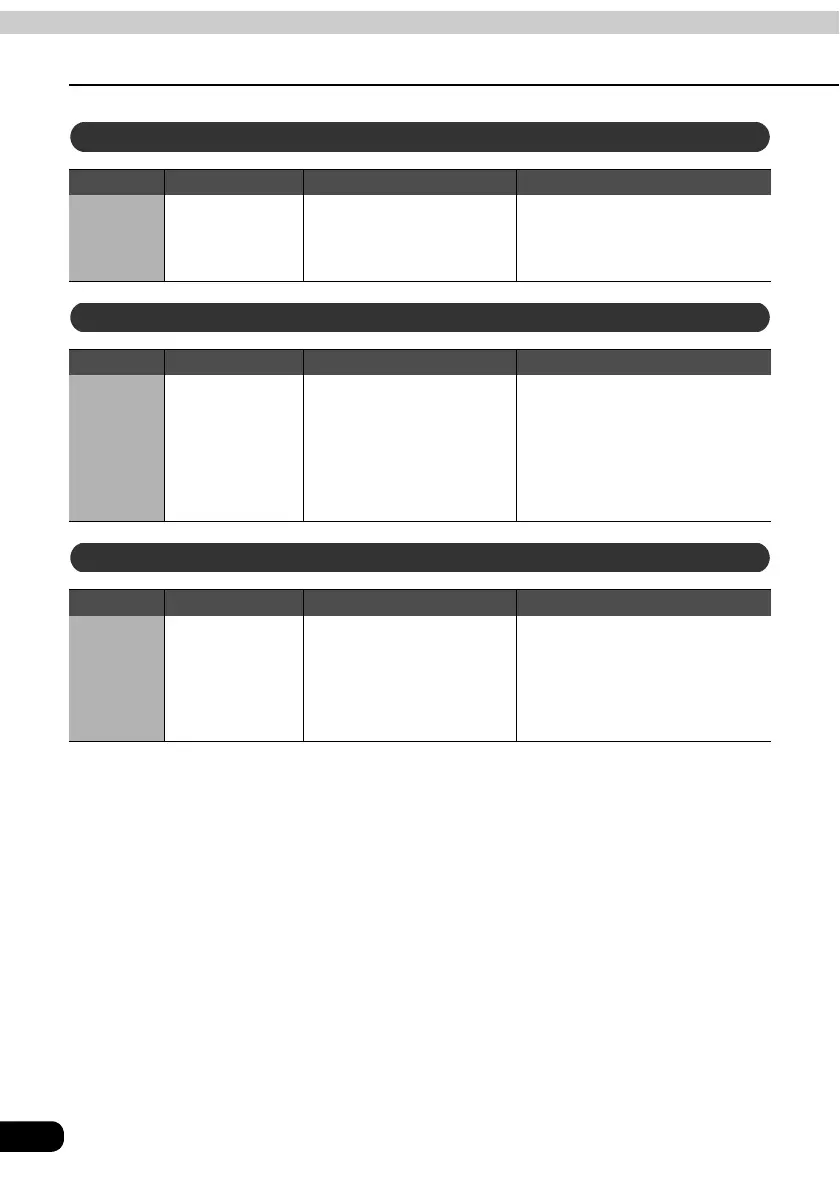
Switch Name Function Explanation of operation
(∧)
(∨)
Chapter selection
switches
Selects the next chapter or
previous chapter.
(∧): Used to select the next
chapter.
(∨): Used to select the previous
chapter.
Switch Name Function Explanation of operation
(∧)
(∨)
Track selection
switches
• Selects the next track or
previous track or
beginning of the current
track.
• Press the switch until it
beeps to go to the next
disc or previous disc.
Pressing (∧)/(∨) briefly:
Used to select the next track
or previous track.
Pressing (∧)/(∨) for longer:
Used to select the next disc
or previous disc.
Switch Name Function Explanation of operation
(∧)
(∨)
Channel
selection switch
• Selects the next channel
or previous channel.
• Pressing the switch until it
beeps starts automatic
channel selection.
Pressing (∧)/(∨) briefly:
Used to select the next
(previous) channel.
Pressing (∧)/(∨) for longer:
Starts automatic channel
selection.
DVD operations
CD changer operations
TV operations



 To Next Page