40
Adjusting sound quality
Basic operation
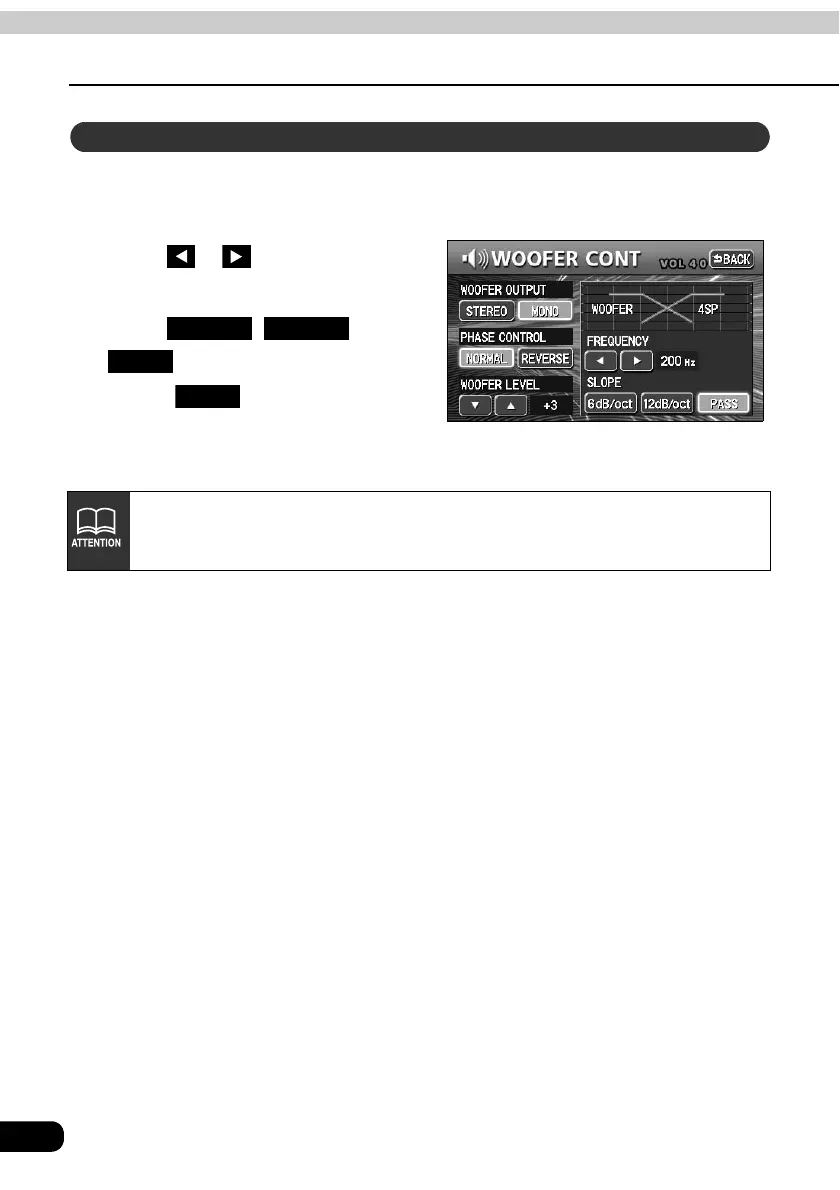
The frequencies for the front and rear speaker high-pass filter (HPF) and sub-woofer low-
pass filter (LPF) can be set within a range of 63 / 80 / 100 / 125 / 160 / 200 Hz. (This is the
same as setting the HPF and LPF cutoff frequencies.)
Touch or to select the cut
off frequency.
Touch , or
to select the slope.
• Touch after making settings.
The crossover setting will be saved
and the system will return to the
previous screen.
Setting X-OVER
6dB/oct 12dB/oct
PASS
Back
If no sub-woofer has been connected, set the slope adjustment to "PASS". (If
slope is set to a setting other than PASS, the low frequency range will not be
output from the speakers.)



 To Next Page