117
TV
AUTO.P
AUTO.P
Touch ޓuntil
you hear a beep.
Manual
AUTO.P
(Search started)
AUTO.P
(Search
completed)
Automatically saving
channels to preset switches
(The channels saved with
AUTO.P will be deleted)
Touch
AUTO.P
Because the AUTO.P function can be used to temporarily save channels for the
preset switches, channels saved manually will remain in memory even if AUTO.P is
used. Manually saving channels that are used regularly allows them to be restored
even after AUTO.P has been used, such as after traveling.
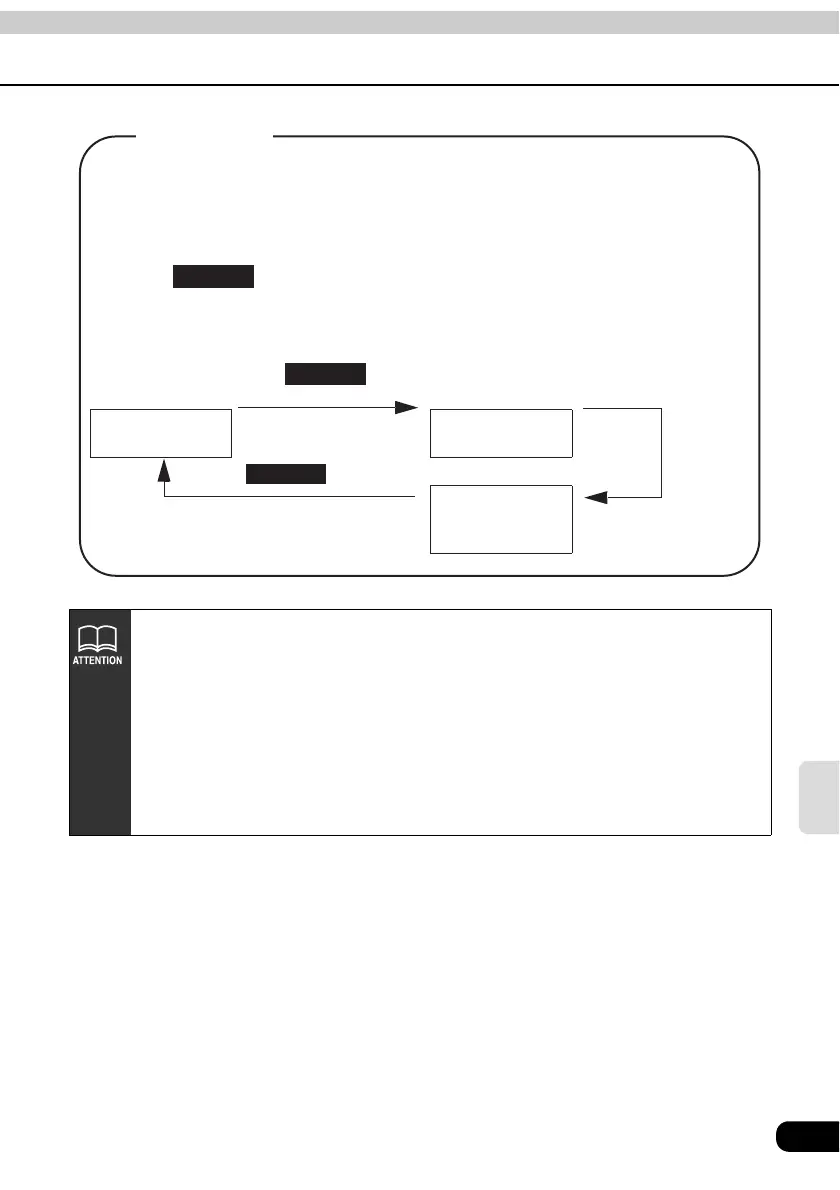
Touching while AUTO.P is operating or after it has been used will return
the preset memories to their previous settings. (The channels saved with AUTO.P
will be deleted.) The diagram below shows how to switch between AUTO.P and
manual.
About AUTO.P
• AUTO.P may not automatically receive channels if TV waves in the surrounding
area are weak.
• A frequency saved with the tuning switch may not match the channel saved with
AUTO.P even though the signal is received from the same station.
• Due to conditions for receiving TV waves, saved channels may differ even when
the AUTO.P switch is operated repeatedly in the same location.
• Up to eight channels with good signal reception are automatically saved in
channel order (low to high).
• When less than eight channels capable of reception are found, nothing is saved
for the remaining preset switches.



 To Next Page