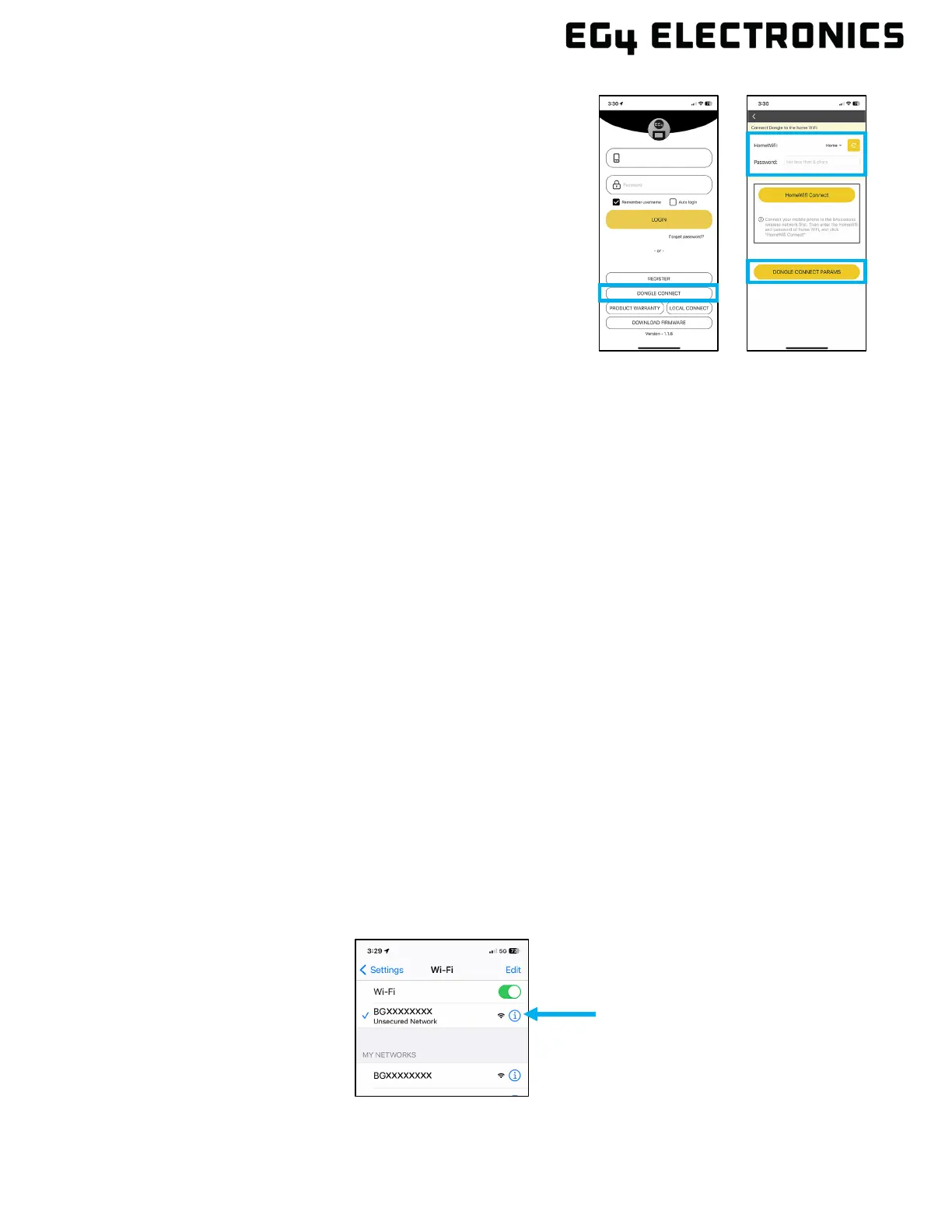
2. Once the dongle is properly configured, it should
successfully connect to the home Wi-Fi network and
then to the internet. The Cloud LED will illuminate once
the dongle connects to the monitoring server via the
internet.
3. Once the dongle has a connection to the monitoring
server, it will then set up an internal connection to the
inverter. When internal communication is successful,
the INV LED is solid on.
4. When all three dongle LEDs are on, the inverter can be
configured and monitored using the EG4
®
mobile app
or the EG4 monitor website.
14.3 CONNECTIVITY REQUIREMENTS
Due to certain limitations of the Wi-Fi Dongle, ensure that the home Wi-Fi network signal and
security settings meet the following requirements:
• The Wi-Fi Dongle only supports wireless networks in the 2.4GHz frequency band. If the
router supports the 5GHz or 6GHz network frequencies, confirm the router supports the
2.4GHz network frequency band and it is enabled.
• The Wi-Fi Dongle is compatible with WPA1, WPA2, and WPA3 security protocols on the
2.4GHz network only.
• Ensure the Wi-Fi Dongle can obtain an IP Address by verifying the home Wi-Fi router has
DHCP (Dynamic Host Configuration Protocol) setup and it is enabled.
• It is recommended the home Wi-Fi network name length does not exceed 19 characters, and
the password length does not exceed 24 characters. It is not recommended to use any of the
following special symbols in the password: @, #, $, %, &, *, ?, _, /, or using a space
“keyboard space bar”.
14.4 DONGLE PARAMETERS
The dongle network parameters can be used for troubleshooting various configuration and
connectivity issues. This section describes the steps to view the dongle parameters along with a
brief description for each parameter.
1. Verify the Wi-Fi LED is solid on. If the LED is not on, see section 13.2.
2. Using an iOS or Android device, connect to the Wi-Fi network created by the dongle,
generally it's named as dongle serial number (i.e., BEXXXXXXXX, BJXXXXXXXX,
BGXXXXXXXX).



 To Next Page