172 Installing Options
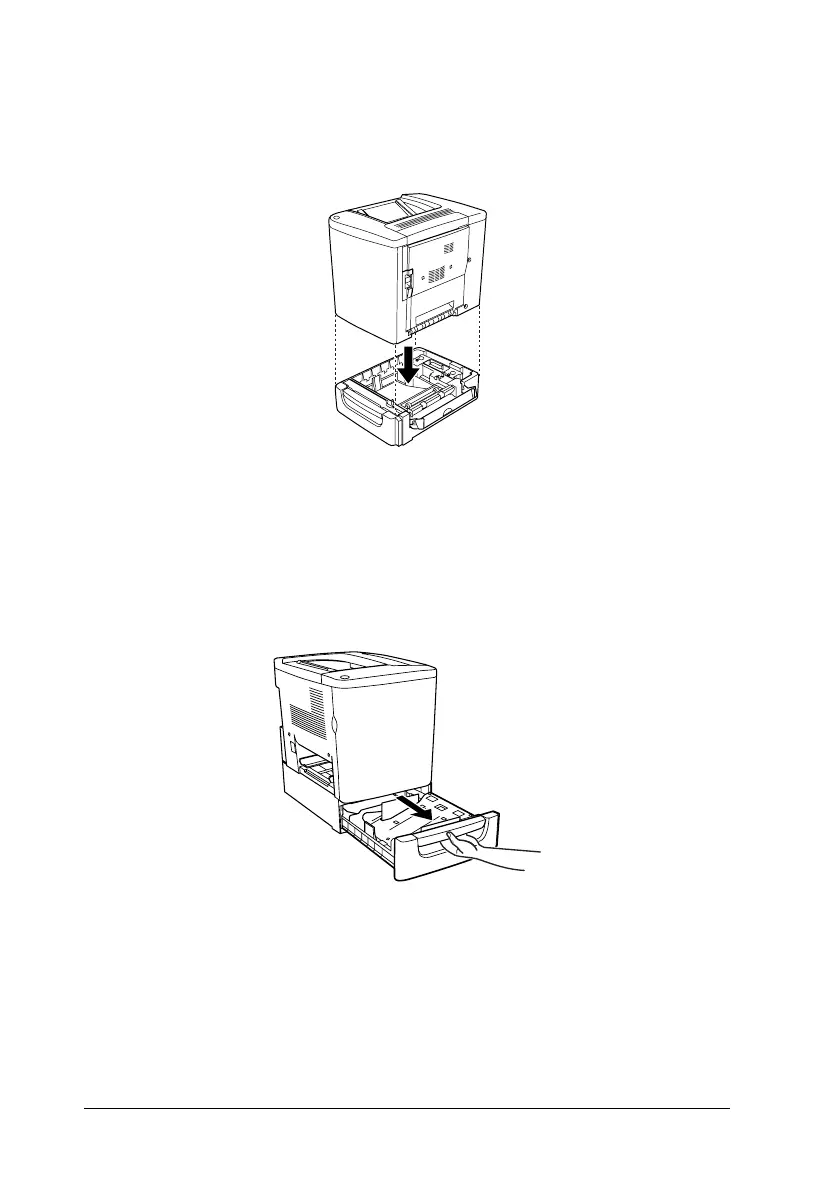
5. Place the printer onto the 500-Sheet Paper Cassette Unit.
Align each of the printer’s corners with those of the unit, then
lower the printer until it rests securely on the unit.
Note:
The printer should be carried by at least two people, holding the
printer with their hands in the indicated positions.
6. Pull out the cassette of the unit.











 To Next Page