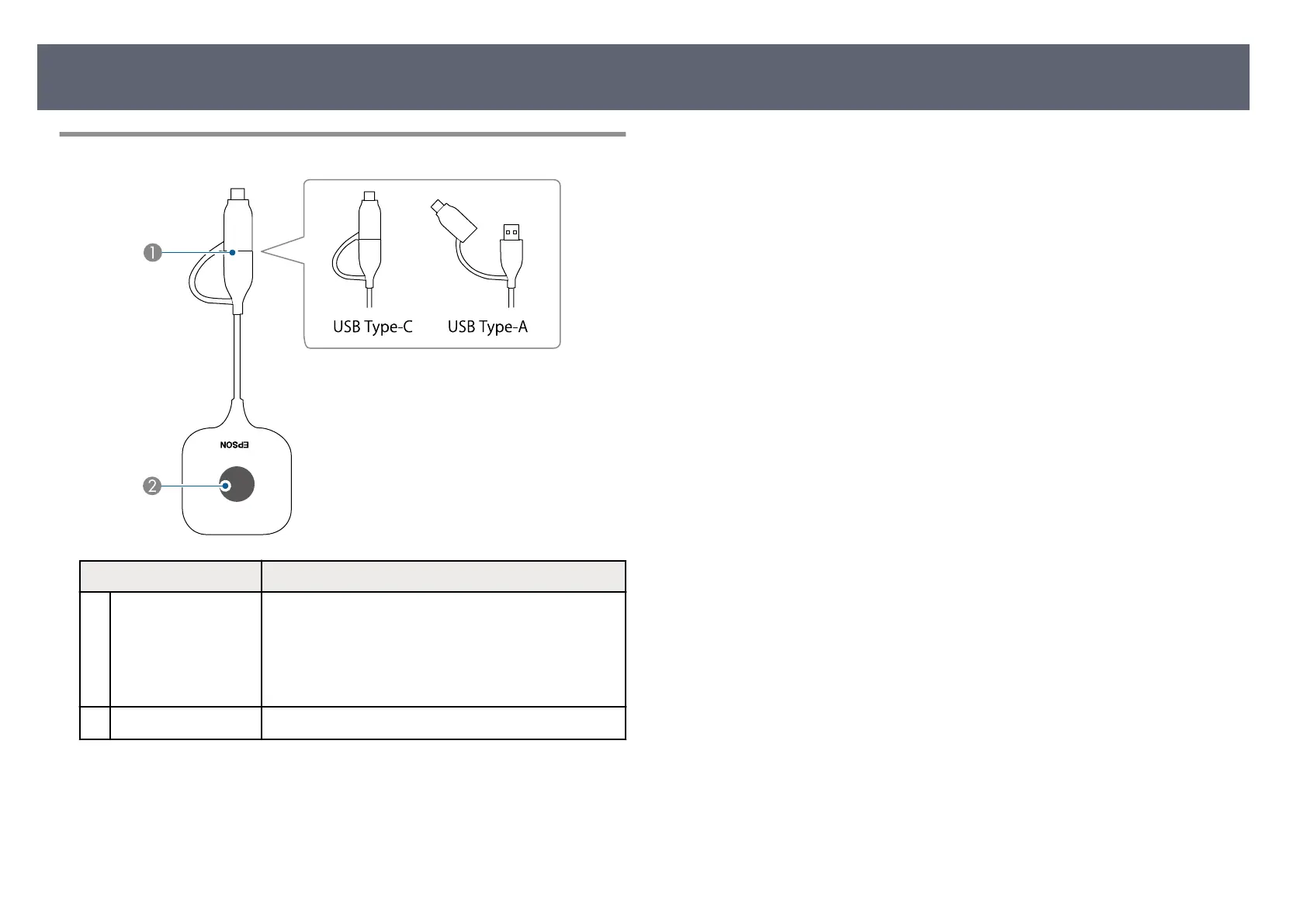
Wireless Transmitter Parts
Name Function
A
USB terminal Connects to a computer's USB port.
is
can be used in two ways; with a USB conversion
adapter (USB-C) and without it (USB-A).
When pairing with a projector or the base unit, connect
to the USB-A port.
B
Indicator Indicates the wireless transmitter's status.
g
Relat
ed Links
•
"W
ireless Transmitter Indicator Status" p.106
•
"Sharing Computer Screen Using Wireless Transmitter" p.40
Product Parts and Functions
19



 To Next Page