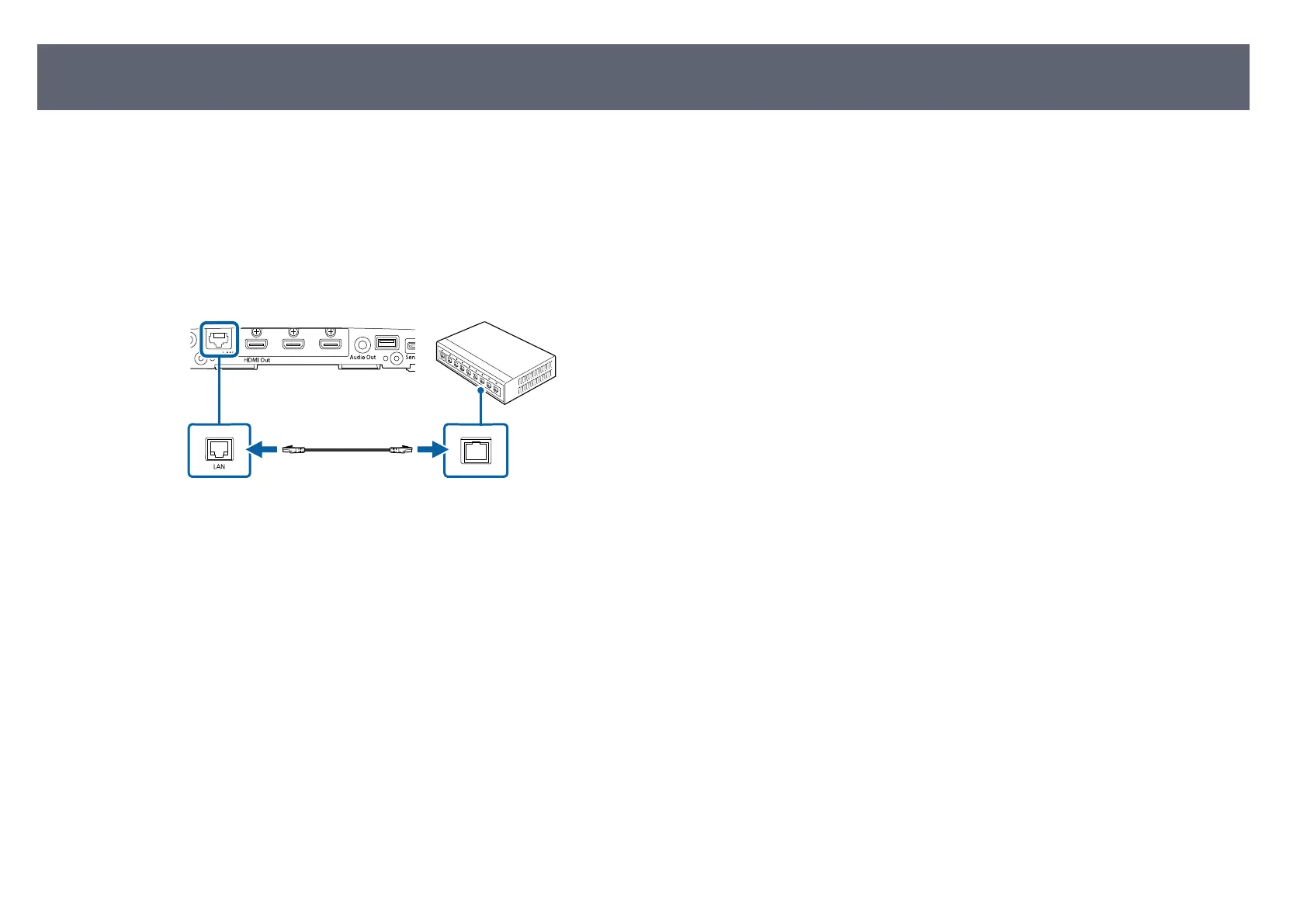
To connect the base unit to a wired local area network (LAN), use a 100Base-TX
net
work cable. To ensure proper data transmission, use a Category 5 shielded
cable or better.
a
Connect one end of the network cable to your network hub, switch, or
ro
uter.
b
Connect the other end of the cable to the base unit's LAN port.
Connecting the Base Unit to a Wired Network
30



 To Next Page