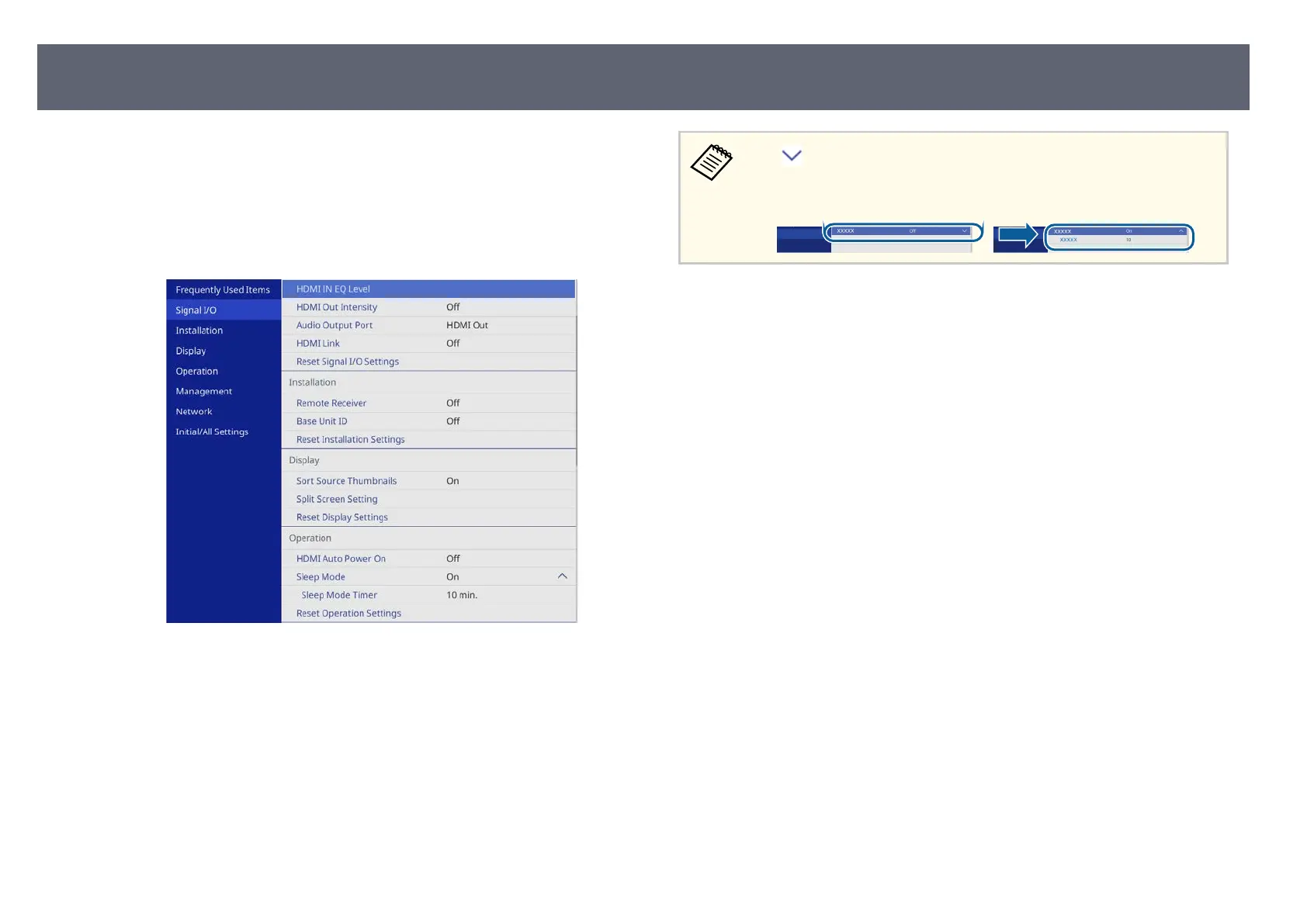
You can use the base unit's menus to adjust the settings that control how your
bas
e unit works. e external display device connected to the base unit displays
the menus on the screen.
a
Press the [Menu] button on the remote control.
Yo
u see the menu screen.
b
Press the up or down arrow buttons to move through the menus listed on
t
h
e le. e settings for each menu are displayed on the right.
c
To change settings in the displayed menu, press the Enter button.
d
Press the up or down arrow button to move through the settings.
e
When you ni
s
h changing settings on a menu, press [Esc].
f
Press [Menu] or [Esc] to exit the menus.
e arrow indicates that the menu contains sub items. When you turn
on a m
enu setting or select a specic value for it, the menu system displays
the sub items.
Using the Base Unit's Menus
81



 To Next Page