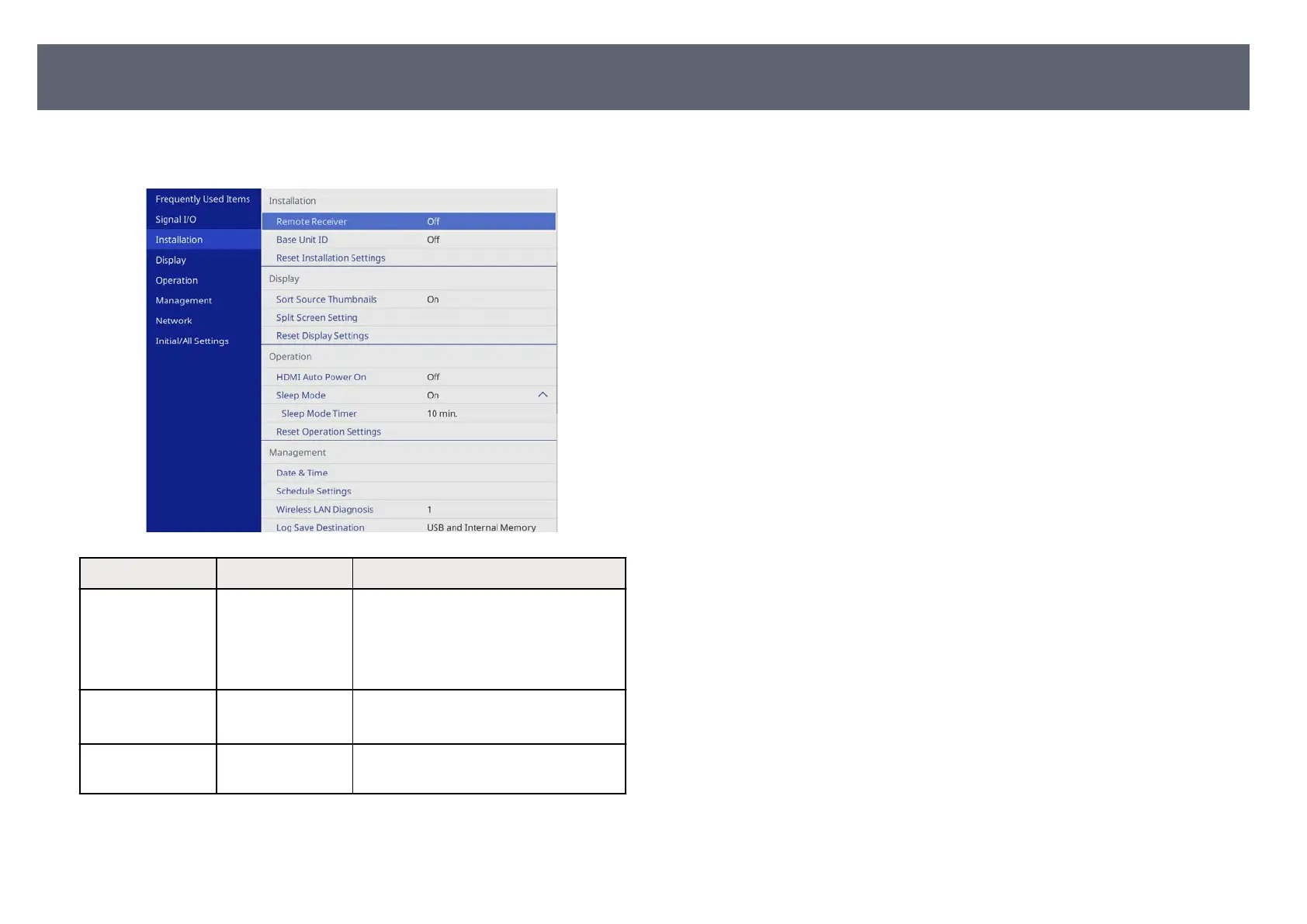
Settings on the Ins
tallation menu help you set up your base unit in your
installation environment.
Setting Options Description
Remote Receiver Front/Upper
Fr
ont
Upper
O
Limits reception of remote control signals
by the selected receiver; O turns o all
receivers.
Base Unit ID O
1 thr
ough 6
Assigns an ID for the base unit when you
use multiple base units.
Reset Installation
Set
tings
— Resets all adjustment values on the
Installation menu to their default setting.
g
Related Links
•
"B
ase Unit Installation Examples " p.23
Base Unit Installation Settings - Installation Menu
84



 To Next Page