Related tasks
Inserting a Memory Card
Related topics
Loading Paper
Printing Lined Paper, Graph Paper, and Music Sheets
You can print wide-rule or narrow-rule notebook paper and graph paper.
1. Load plain paper in either Letter (8.5 × 11 inches [216 × 279 mm]) or A4 (8.3 × 11.7 inches
[210 × 297 mm]) size.
2. Press the home button, if necessary.
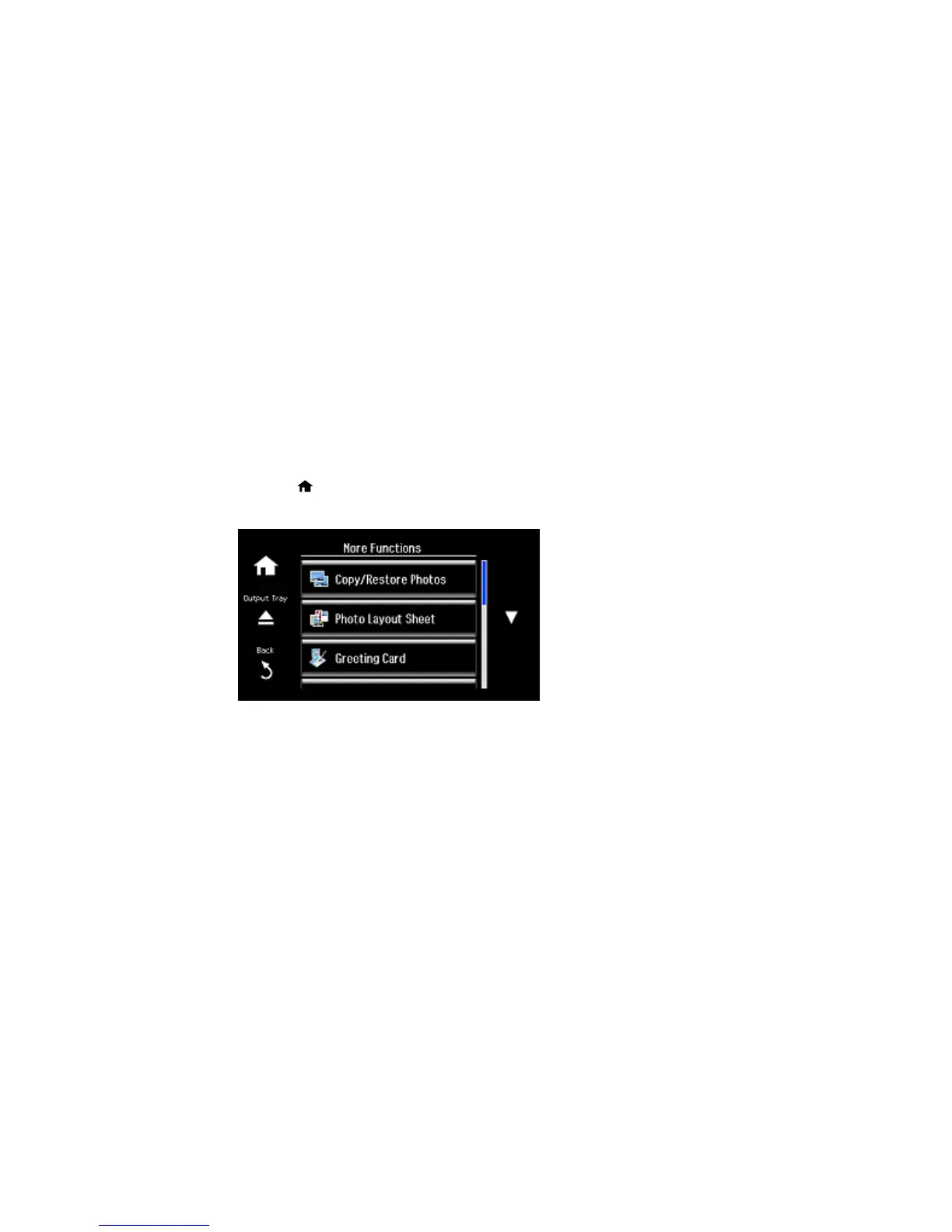
3. Select More Functions.
4. Scroll down and select Personal Stationery.
218



 To Next Page
 Loading...










