Printing on CDs/DVDs from a Computer
Before printing directly on CDs or DVDs from your computer, make sure you have set up your product as
described on the Start Here sheet, and installed the Epson Print CD software.
Starting Epson Print CD - Windows
Printing Your CD/DVD Design - Windows
Starting Epson Print CD - OS X
Printing Your CD/DVD Design - OS X
Parent topic: Printing on CDs/DVDs
Related tasks
Loading a CD/DVD
Starting Epson Print CD - Windows
You can use Epson Print CD to design your disc by importing photos, adding text, and creating special
effects.
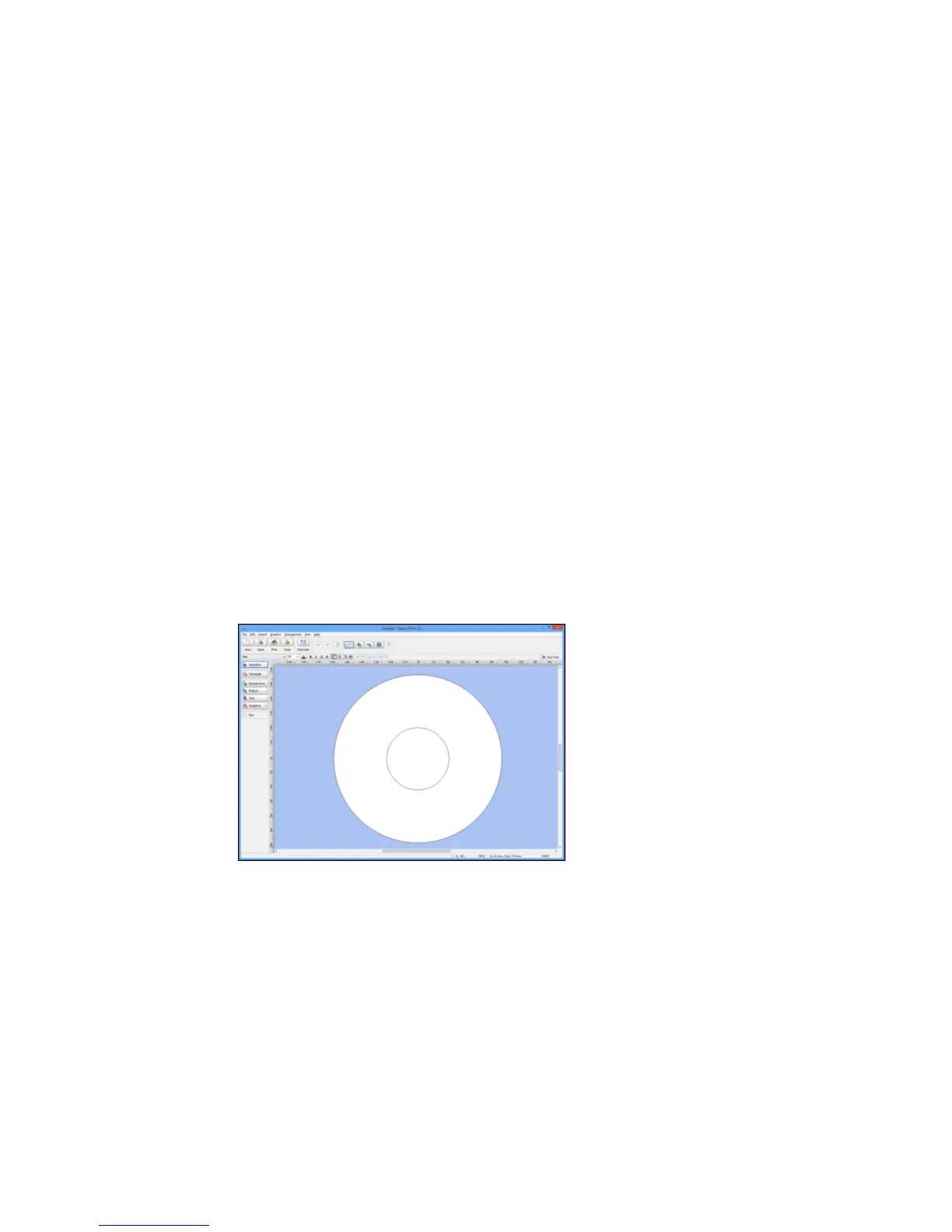
1. Select the Epson Print CD icon on your Windows Desktop.
You see a screen like this:
232



 To Next Page
 Loading...










