3. Select More Functions.
4. Select CD/DVD Copy.
5. Follow the instructions on the LCD screen to place your original CD, DVD, or photo on the scanner
glass and select Proceed.
6. If necessary, adjust the inner and outer diameter of your CD as shown on the screen and select
Proceed.
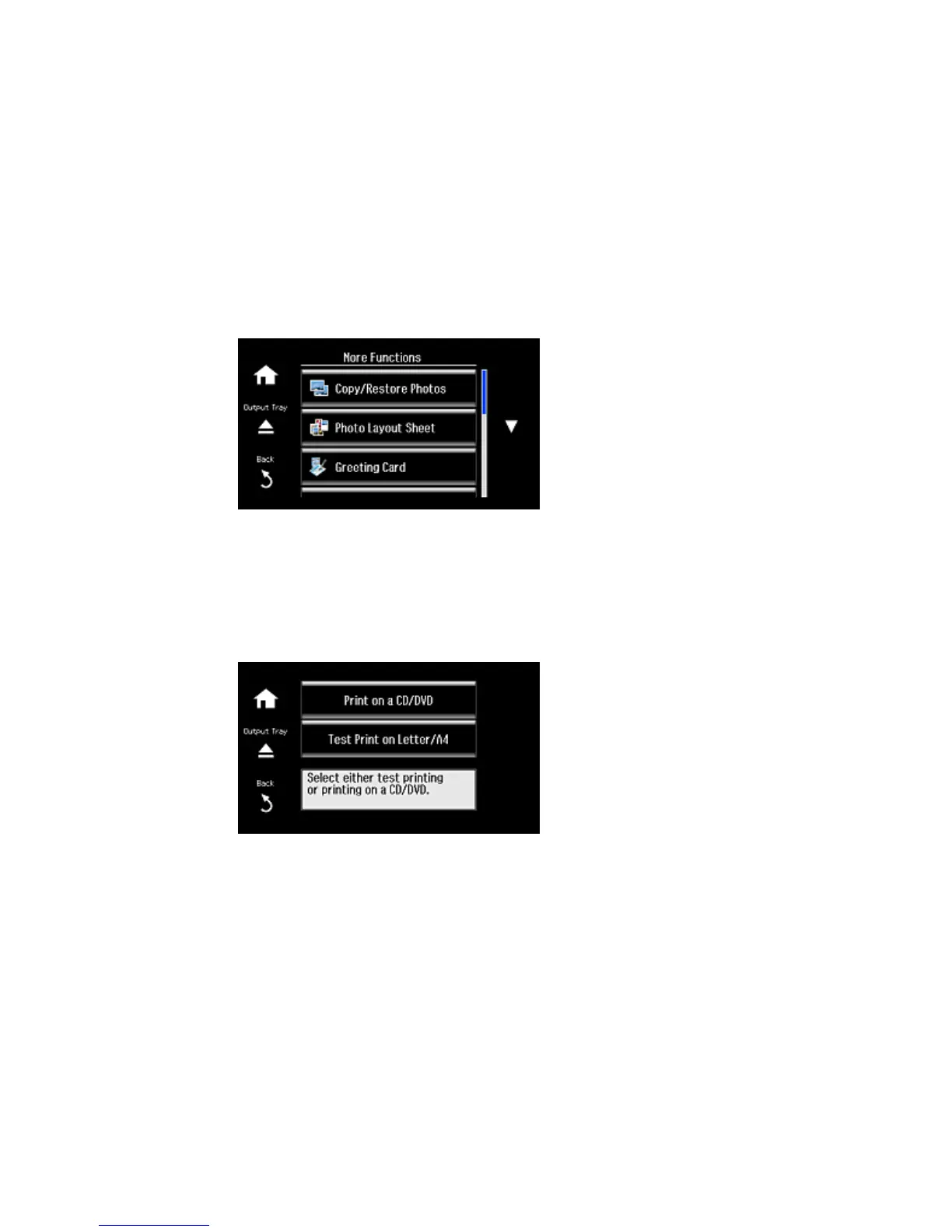
You see this screen:
7. Select one of the options shown on the screen to print on a CD or DVD or a test print on plain paper.
If printing on plain paper, select Proceed.
227



 To Next Page
 Loading...










