Caution: Leave your old cartridges in the printer until you are ready to replace them to prevent the print
head nozzles from drying out. Do not open ink cartridge packages until you are ready to install the ink.
Cartridges are vacuum packed to maintain reliability.
1. Make sure that the CD/DVD tray is not inserted for printing.
2. Turn on your product.
• If an ink cartridge is expended, you see a message on the LCD screen. Note which cartridges
need to be replaced and select Proceed. Then choose Yes, replace now.
• If you are replacing a cartridge before you see a message on the LCD screen, select Setup >
Maintenance > Ink Cartridges Replacement.
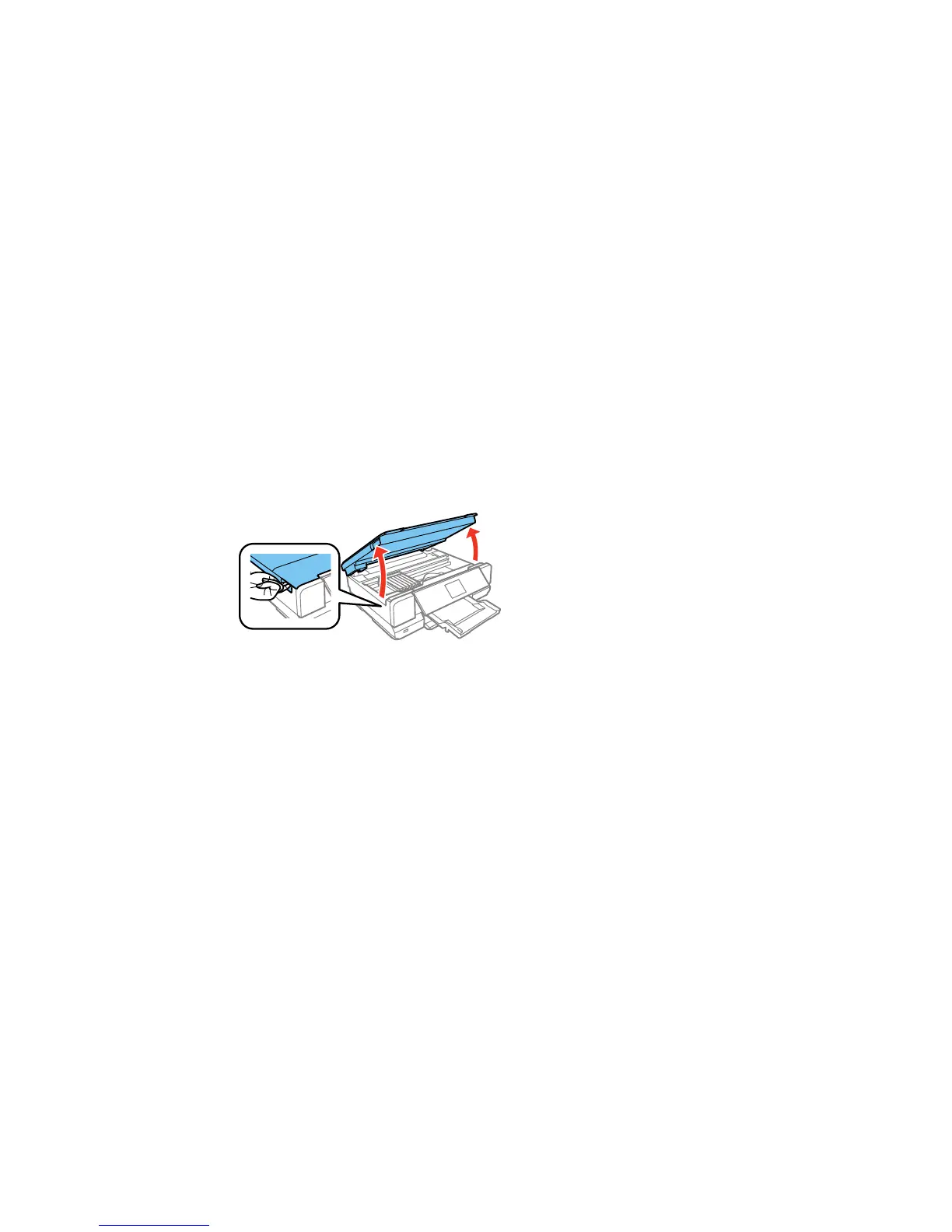
3. Lift up the scanner unit.
Caution: Do not move the print head by hand; otherwise, you may damage your product. Do not
touch the flat white cable inside the printer.
243



 To Next Page
 Loading...










