4. Select Print Head Alignment.
5. Click Next, then click Print to print an alignment sheet.
Note: Do not cancel printing while you are printing a head alignment pattern.
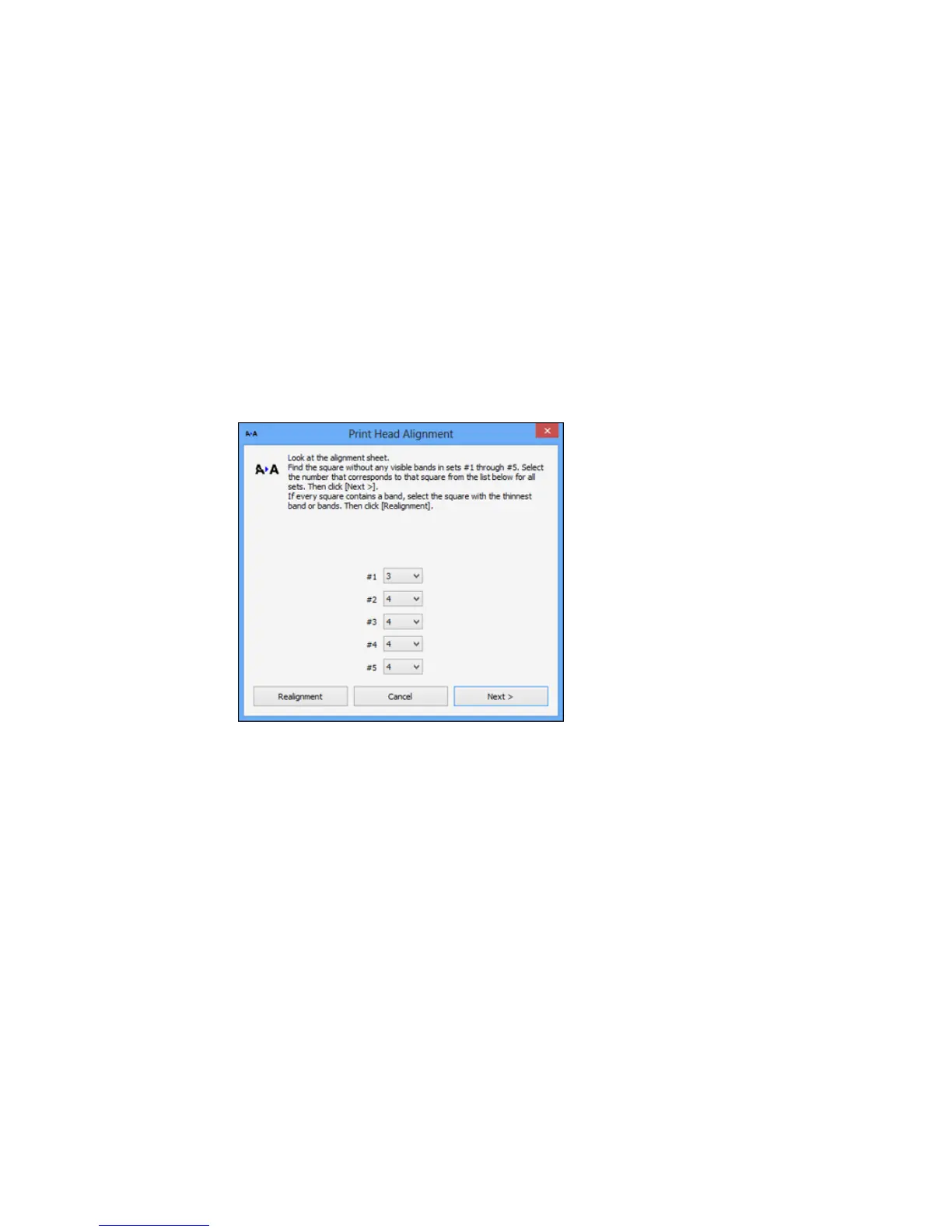
You see a window like this:
6. Check the printed pattern and follow the instructions on the screen to choose the number
representing the best printed pattern for each set.
• After choosing a pattern number, click Next.
• If no patterns are aligned in one or more of the sets, choose the closest one in each set and click
Realignment. Then print another alignment sheet and check it.
Note: Click Skip (where available) if you want to skip a particular alignment sheet.
7. When you are done, click Finish.
262



 To Next Page
 Loading...










